
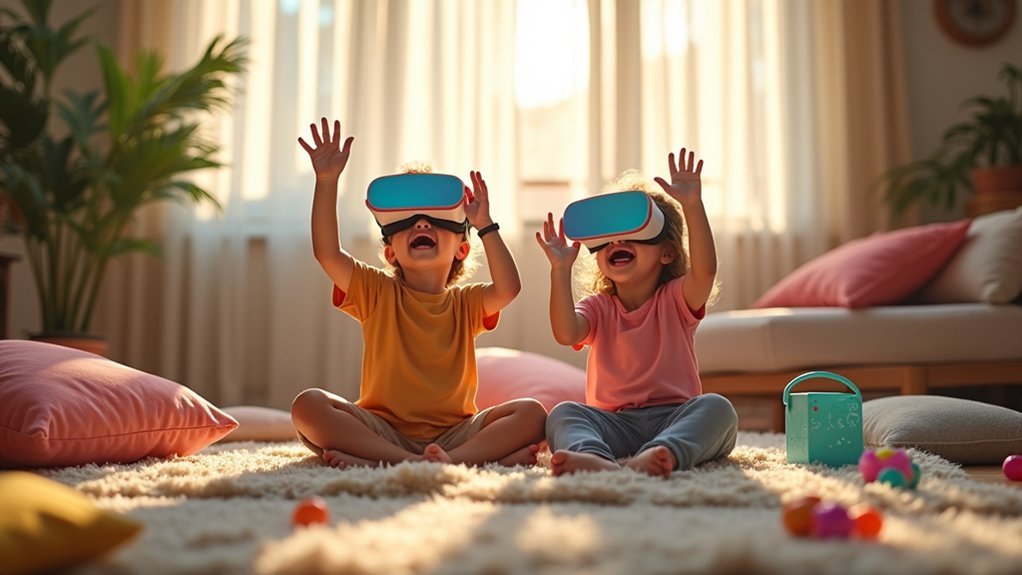
You’ll want to prioritize age-appropriate content by checking ratings and focusing on educational experiences in science, history, or art. Set strict time limits of 30 minutes maximum for children ages 9-13, using parental controls to manage screen time. Create a safe, obstacle-free play area with proper supervision and ventilation. Monitor your child for eye strain, headaches, or disorientation during sessions. Choose educational VR experiences over pure entertainment to enhance learning through immersive, multi-sensory approaches that develop critical thinking and digital literacy skills for maximum benefit.
Choose Age-Appropriate VR Content and Apps

When selecting VR content for children, you’ll want to start by checking age ratings on every app and experience before download. Most VR headsets have a minimum age requirement of 13 years, so guarantee compliance with safety guidelines.
Focus on appropriate content that offers educational experiences in subjects like history, science, or art. These provide immersive opportunities for meaningful learning while maintaining safety standards.
Always review feedback on apps from other users to gauge educational value and appropriateness. Be particularly cautious with social VR apps, as they may expose children to unsuitable interactions.
Look for platforms equipped with monitoring features and robust parental controls. Encourage children to select content that matches their interests while strictly adhering to established safety protocols for ideal protection.
Set Time Limits for Safe Mobile VR Sessions
Beyond choosing appropriate content, you’ll need to establish clear time boundaries for your child’s VR sessions. When you set time limits for mobile VR, aim for 30-minute sessions maximum for children ages 9-13 to prevent eye and neck strain.
Managing screen time effectively helps avoid overuse and promotes moderation. You can utilize parental controls available on platforms like Meta to establish daily time limits for usage.
These tools make it easier to monitor usage consistently. Encourage regular breaks during sessions to reduce fatigue and enhance the overall experience.
Create a Secure Physical Environment for VR Play
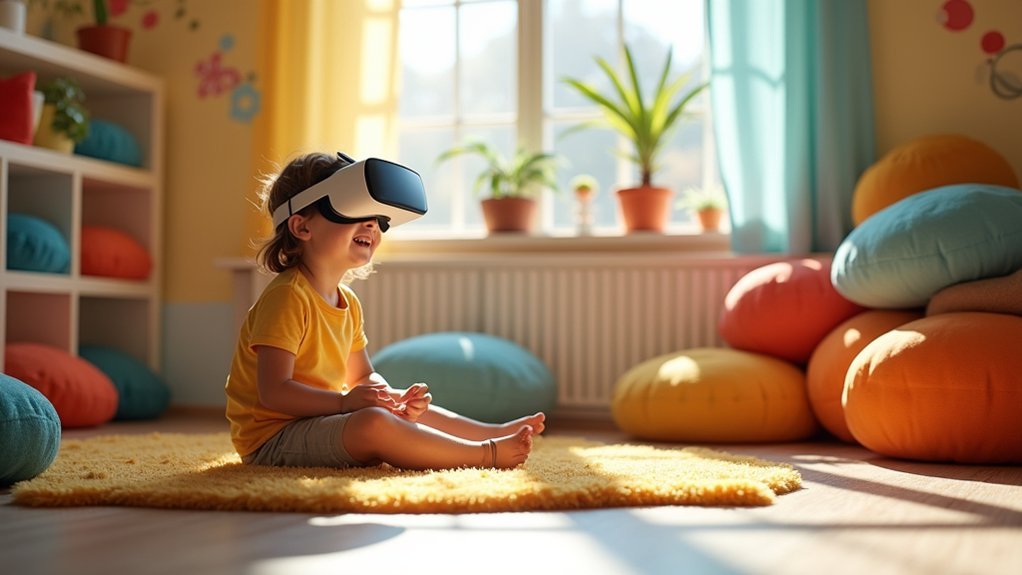
Since mobile VR immerses your child in virtual worlds where they can’t see their surroundings, you must create a dedicated play space that prioritizes physical safety. A secure physical environment helps minimize risk while maximizing enjoyment during VR play sessions.
A dedicated, obstacle-free play space is essential for safe mobile VR experiences when children cannot see their physical surroundings.
To establish the safest possible setup:
- Clear the play area – Remove furniture, toys, and obstacles that could cause tripping or collisions while your child moves around wearing the headset.
- Ensure proper ventilation and lighting – Good airflow prevents overheating while adequate lighting helps you supervise effectively and assists with tracking.
- Activate built-in safety features – Use VR settings that remind users to take breaks and reorient themselves within their physical space.
- Maintain active supervision – Always monitor children during VR sessions, especially newcomers to the technology.
Monitor Your Child’s Comfort and Reactions
While your child explores virtual worlds, vigilant monitoring of their physical and emotional responses becomes essential for safe VR experiences.
You’ll need to watch for signs of discomfort like eye strain or headaches, especially since 30-minute sessions work best for kids ages 9-13. Pay close attention to emotional reactions during VR use, as children often experience intense feelings requiring discussion afterward.
Encourage regular breaks to prevent fatigue and motion sickness from extended immersion. Monitor for post-VR disorientation or dizziness, which signals needed usage adjustments.
Create open dialogue about their experiences, allowing them to express negative feelings or concerns freely. This communication helps you address potential issues early, ensuring VR remains an enjoyable and safe activity for your child.
Encourage Educational VR Experiences Over Pure Entertainment
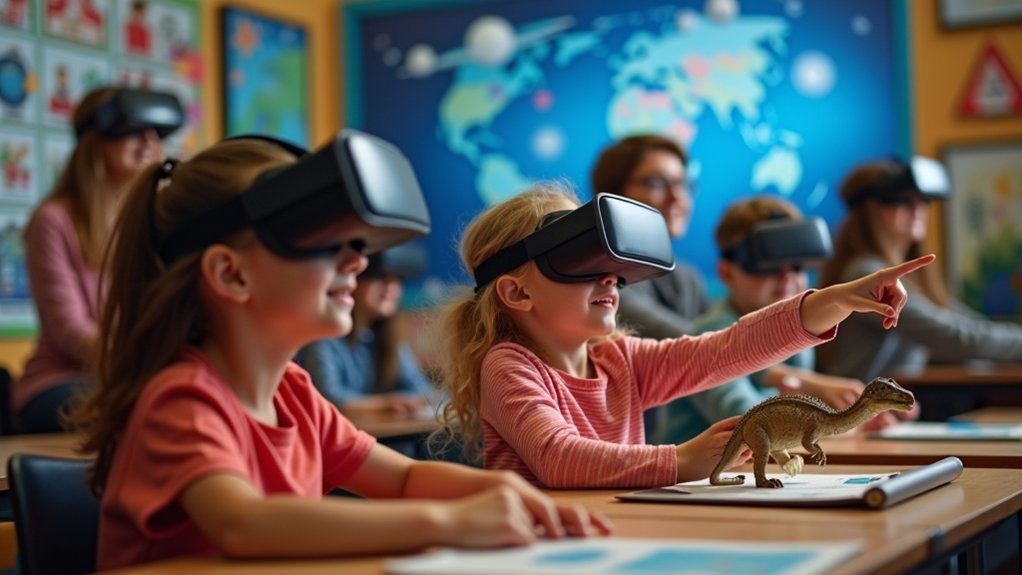
Although entertainment VR can captivate children for hours, educational VR experiences offer far greater long-term benefits that’ll shape your child’s learning and development.
Educational VR experiences provide immersive lessons that enhance retention and understanding of complex subjects. These interactive content experiences engage different learning styles through visual, auditory, and kinesthetic approaches. Programs like Kai XR offer virtual field trips to historical sites and scientific environments, expanding learning beyond traditional classroom boundaries.
Prioritizing educational content helps develop:
- Critical thinking through virtual scenarios requiring decision-making
- Problem-solving skills via interactive challenges and inquiry-based activities
- Digital literacy essential for future career opportunities
- Technological competency aligned with evolving job market demands
Frequently Asked Questions
What Age Is Appropriate for VR for Kids?
You should wait until your child’s at least 13 years old before introducing VR, as most headsets have this minimum age restriction for safety and privacy reasons.
How Do I Make My VR Safe for Kids?
Remove physical obstacles from the play area, supervise younger children’s sessions, limit usage to 30 minutes, check privacy settings, and choose age-appropriate content to guarantee your VR experience stays safe.
How to Explain Virtual Reality to a Child?
You can tell them VR is like stepping inside a video game where they’re the main character. They’ll wear special goggles that transport them to magical worlds, letting them explore dinosaur lands or walk through castles safely.
Is VR Good for Kids With ADHD?
Yes, VR’s particularly beneficial for kids with ADHD. You’ll find it enhances their focus through immersive experiences, improves executive functioning skills, reduces anxiety, and provides immediate feedback that motivates them effectively.




Leave a Reply