

You’ll need enterprise-grade VR hardware featuring high-resolution OLED displays (2160×2160 per eye), 90Hz+ refresh rates, and robust processing power with 6-core CPUs and RTX 3060-level graphics cards. Consider standalone options like the Pico 4 Ultra Enterprise ($799) for mobility, or tethered systems with 16GB RAM and 512GB SSD storage. Prioritize comfort features, accurate tracking, enterprise security protocols, and MDM compatibility for fleet management. This foundation will help you explore the complete hardware ecosystem requirements.
Key Features for Enterprise VR Training Hardware
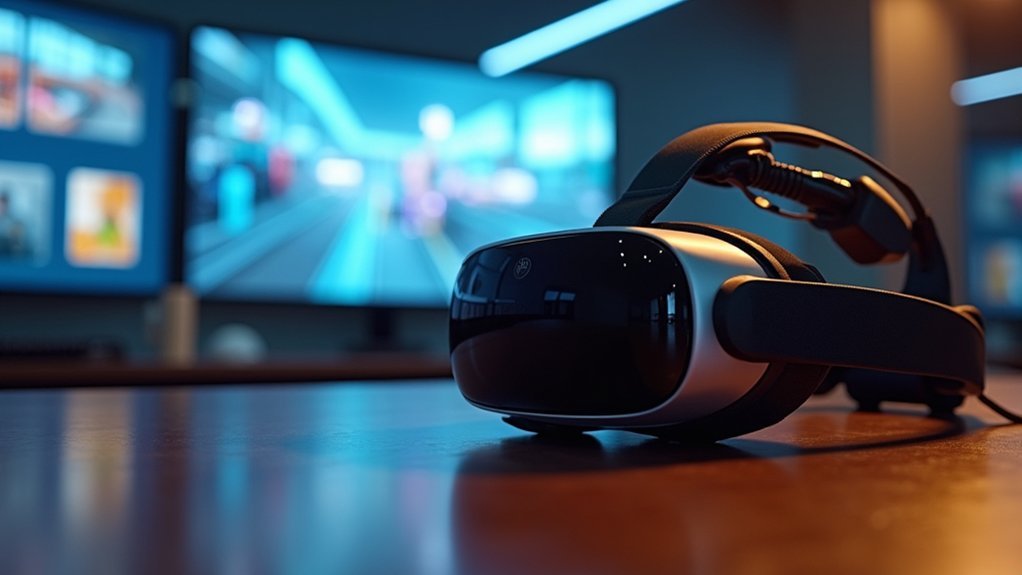
When selecting VR training hardware for your enterprise, you’ll need to prioritize comfort features that support extended training sessions. Lightweight designs with adjustable fits prevent user fatigue during prolonged use.
High-resolution displays, particularly OLED or AMOLED panels, deliver sharp visuals that enhance immersive experiences and maintain learner engagement.
Sharp, high-resolution OLED displays create compelling visual experiences that keep trainees focused and engaged throughout extended VR learning sessions.
Accurate tracking capabilities and intuitive controllers guarantee seamless interaction within virtual environments, allowing trainees to navigate naturally and perform tasks effectively.
Your hardware must demonstrate robust performance to handle demanding training scenarios without lag or interruption, even during complex simulations.
Compatibility with enterprise applications is essential for integrating VR systems into your existing IT infrastructure. This streamlines deployment and content management while guaranteeing your investment aligns with current organizational systems and future scalability requirements.
Standalone VR Headsets for Professional Learning
As standalone VR headsets eliminate dependency on external computers and tracking systems, they’re transforming how enterprises approach professional training.
These devices offer unprecedented mobility and ease of use during training sessions, allowing you to deploy immersive experiences anywhere without complex setup requirements.
The Pico 4 Ultra Enterprise delivers mixed reality capabilities at $799, while the Pico G3’s Snapdragon XR2 chip powers robust training simulations for $449.
Both headsets feature user-friendly interfaces specifically designed for enterprise applications, ensuring seamless integration into your professional learning programs.
You’ll reduce deployment costs considerably while enhancing learner engagement through immersive experiences.
Each standalone VR headset streamlines your training process, eliminating hardware dependencies and enabling flexible, location-independent professional learning that adapts to your organization’s specific needs.
High-Performance Processing and Storage Requirements
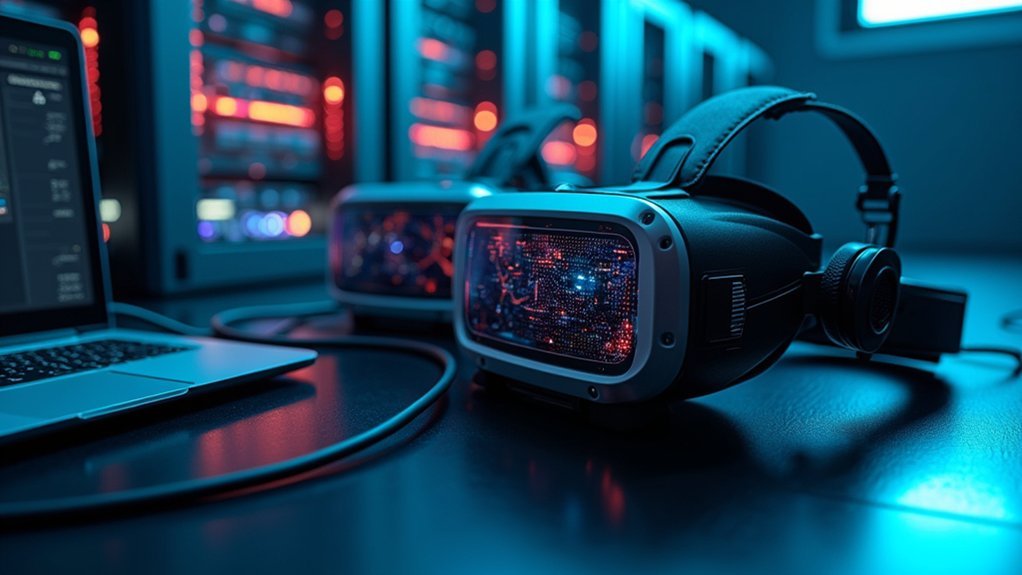
Behind every successful VR training deployment lies robust hardware infrastructure that can handle demanding computational workloads.
You’ll need high-performance processors with at least 6 cores and 3.0 GHz clock speeds for effective real-time rendering of complex simulations. Your GPU requirements are equally critical—invest in graphics cards with minimum 8 GB dedicated memory, like NVIDIA’s RTX 3060 or higher, to deliver smooth frame rates in immersive environments.
Don’t overlook your system’s supporting components.
You’ll require 16 GB RAM for multitasking multiple hardware and software applications during VR training sessions. Choose SSD storage with 512 GB capacity minimum to reduce loading times considerably.
Finally, verify your network connectivity supports 1 Gbps bandwidth for seamless content streaming and real-time collaboration without latency issues affecting processing performance.
Display Quality and Visual Fidelity Standards
While processing power drives your VR system’s performance, display quality determines whether your training participants experience truly immersive learning or struggle with visual distractions that break concentration.
You’ll need headsets with high resolution—ideally 2160 x 2160 per eye—to eliminate the screen-door effect that compromises visual fidelity. OLED panels deliver superior color accuracy and contrast ratios essential for professional training scenarios.
Your enterprise VR setup requires refresh rates of 90 Hz or higher to prevent motion sickness during extended training sessions.
A field of view between 100-110 degrees ensures participants can naturally observe their virtual environment without tunnel vision.
Anti-SDE technology combined with advanced optics creates seamless visuals that maintain focus on learning objectives rather than technical limitations, making your immersive experience truly effective for enterprise training applications.
Tracking Systems and Motion Control Technology
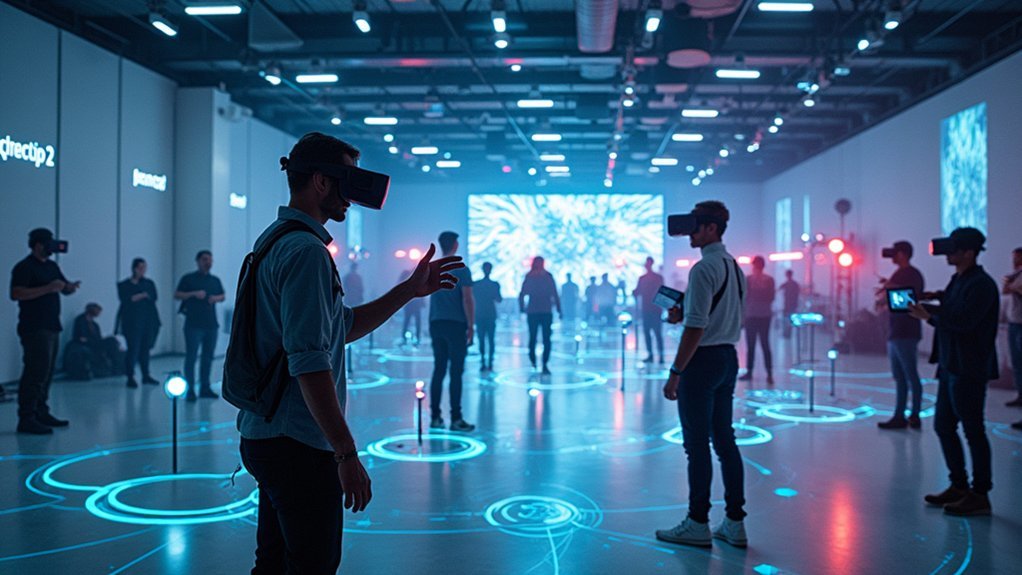
Two fundamental tracking technologies determine how accurately your VR training system captures participant movements: inside-out and outside-in tracking methods.
Inside-out tracking uses cameras mounted on VR headsets to monitor movement, while outside-in systems rely on external sensors for precise spatial awareness.
Motion control technology enhances immersive training through handheld controllers and gesture-based interactions.
Advanced motion tracking systems achieve sub-millimeter accuracy, essential for medical training requiring precise movements.
Enterprise solutions like HTC Vive Pro utilize SteamVR’s room-scale tracking, letting trainees move freely within defined spaces.
Haptic feedback integration provides tactile sensations that simulate real-world interactions, considerably improving training effectiveness.
These tracking systems work together to create thorough training environments where every movement translates accurately into virtual space.
Enterprise Security and Management Capabilities
When you’re deploying VR training hardware across your enterprise, you’ll need robust device access controls that authenticate users and restrict unauthorized usage through secure login protocols.
Your organization’s sensitive training data requires extensive protection through encryption standards and secure boot processes that safeguard information both in transit and at rest.
You’ll also want remote fleet management capabilities that allow your IT teams to monitor, update, and troubleshoot multiple VR devices from a centralized dashboard without requiring physical access to each headset.
Device Access Controls
As enterprise VR training programs scale across organizations, device access controls become the cornerstone of maintaining security and operational integrity.
You’ll need robust systems guaranteeing only authorized personnel can access your VR hardware, protecting sensitive training data and maintaining compliance with enterprise-grade security protocols.
Mobile Device Management (MDM) systems integrate seamlessly with most enterprise VR training platforms, allowing your IT teams to remotely monitor device security settings and enforce access policies.
These advanced device management capabilities provide real-time tracking of device usage and performance metrics through API integrations.
You can deploy simultaneous updates across thousands of headsets while maintaining strict access controls throughout training sessions.
This thorough approach guarantees data protection remains paramount while enabling scalable, secure VR training deployment across your entire organization.
Data Protection Protocols
While device access controls establish the first line of defense, thorough data protection protocols form the backbone of enterprise VR security architecture.
You’ll need robust encryption protocols that safeguard sensitive information during training sessions while maintaining seamless integration with existing IT systems.
Enterprise-grade security measures include detailed data protection frameworks that work alongside Mobile Device Management (MDM) and Learning Management Systems (LMS) to monitor user access and interactions.
Your VR technology should support APIs for secure data analysis and visualization, enabling you to track performance metrics without compromising information integrity.
These protocols guarantee your training programs meet industry compliance standards while protecting employee data.
Regular updates and maintenance of these security measures keep your VR environment protected against evolving vulnerabilities and threats.
Remote Fleet Management
Beyond securing individual devices, extensive remote fleet management transforms how you’ll oversee VR headsets distributed across different offices, training centers, and remote work environments.
These systems leverage Mobile Device Management (MDM) solutions, enabling your IT teams to remotely configure settings, monitor device health, and enforce enterprise-grade security policies across your entire fleet.
You’ll gain detailed analytics that track headset usage, learner performance, and device status, empowering data-driven decisions about your training programs.
Integration capabilities with existing Learning Management Systems (LMS) streamline how you manage VR training content and user access.
This thorough approach guarantees consistent deployment, reduces maintenance overhead, and maximizes your hardware investment while maintaining security standards across all locations.
Compatibility With Training Software Platforms
When selecting enterprise VR training hardware, you’ll find that compatibility with existing training software platforms determines the success of your implementation.
Leading headsets like the Oculus Quest 2, Pico G3, HTC Vive Pro, and Valve Index seamlessly integrate with LMS and MDM systems, enhancing deployment efficiency across your organization.
Hardware compatibility guarantees your VR devices function effectively with enterprise applications while supporting immersive learning experiences.
Seamless hardware compatibility ensures VR devices integrate flawlessly with enterprise systems while delivering powerful immersive training experiences.
You can leverage APIs for data analysis to extract valuable training performance metrics from your existing IT ecosystem.
Cross-platform solutions enable interactive learning across multiple devices, allowing employees to access content both in-headset and via desktop.
Specialized training software platforms like Lumeto and Strivr maximize effectiveness when paired with compatible hardware, guaranteeing your training scenarios deliver the best results through synchronized optimization.
Hardware Durability and Maintenance for Business Use
Since enterprise VR implementations often involve heavy daily usage across multiple shifts, you’ll need hardware that can withstand the rigors of continuous business operations.
Enterprise VR headsets like the RealWear HMT-1 and Vuzix M400 deliver exceptional hardware durability through robust materials specifically engineered for industrial environments.
Your maintenance strategy should include:
- Regular cleaning and software updates to maintain peak performance and extend device lifespan
- Routine inspections and scheduled maintenance to minimize wear, reduce downtime, and cut replacement costs
- Proper storage practices using protective cases while avoiding extreme temperatures
Most enterprise headsets include extensive warranties and support services covering repairs and replacements, providing essential protection for your VR investment.
Implementing these maintenance protocols guarantees your training hardware performs reliably.
Frequently Asked Questions
What Is the Most Important Hardware for VR?
You’ll need a high-resolution headset with accurate motion tracking as your foundation. Add ergonomic controllers with haptic feedback for realistic interactions. Consider standalone units for mobility and include performance analytics hardware for progress monitoring.
What Is the Best VR Hardware?
You’ll find the best VR hardware depends on your needs. For high-end experiences, you can’t beat the Valve Index’s tracking precision, while the Oculus Quest 2 offers excellent standalone versatility.
What Equipment Do I Need for Virtual Reality?
You’ll need a high-quality VR headset like Oculus Quest 2, motion controllers for interaction, a powerful computer or standalone device, and a robust wireless network for peak performance.
Which Is the Most Popularly Used Equipment in VR?
You’ll find the Oculus Quest 2 is the most popularly used VR equipment due to its accessibility, high-resolution display, robust game library, and appeal to both casual users and enterprises.



