
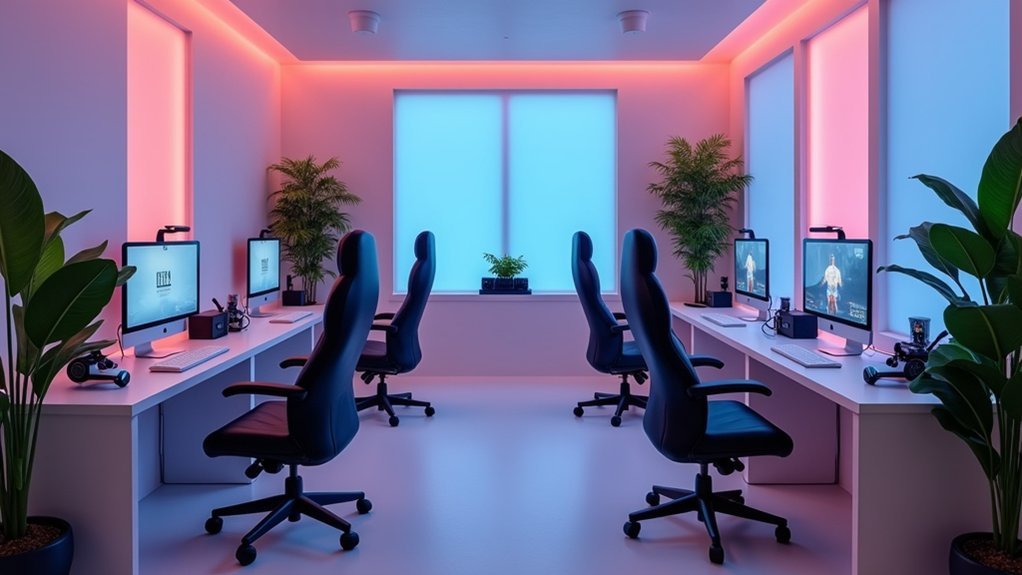
You’ll maximize VR comfort by choosing from five proven ergonomic setups: seated configuration with teleportation movement to reduce motion sickness, adjustable standing desk workspace (23.6-49.2 inches) with cable management, room-scale setup using boundary markers in obstacle-free spaces, hybrid sitting-standing station with ergonomic accessories for versatile positioning, and professional workstation featuring memory foam covers and modular organization. Each setup addresses specific comfort needs while preventing fatigue during extended sessions, and exploring these configurations further reveals optimization strategies tailored to your unique requirements.
Seated VR Configuration With Teleportation Movement

Most VR newcomers find that starting with a seated VR configuration dramatically reduces the overwhelming sensations that can make virtual reality feel uncomfortable or disorienting.
Seated VR setups offer newcomers a gentler introduction by minimizing the disorienting sensations that make virtual reality overwhelming.
This setup minimizes conflicting sensory information between your inner ear and visual input, creating a stable foundation for VR comfort.
Choose teleportation movement over smooth locomotion to prevent motion sickness.
This method lets you instantly shift locations without the nausea-inducing effects of continuous movement through virtual environments.
Adjust your interpupillary distance to match your specific eye measurements, preventing blurred vision and headaches.
Keep initial sessions under 30 minutes while you develop your VR legs.
Ensure your headset fits securely and maintain proper posture throughout VR experiences.
Your physical space should accommodate comfortable arm movement without obstacles, maximizing both safety and immersion.
Standing Desk VR Workspace With Adjustable Height Controls
While seated VR builds comfort and confidence, standing configurations release greater freedom of movement and enhanced immersion for extended sessions. A standing desk with adjustable height controls transforms your VR workspace, letting you customize between 23.6 and 49.2 inches for ideal positioning during VR sessions.
The ergonomic design features rounded corners and collision detection, preventing interruptions while you’re immersed. With 350-pound capacity and three-motor stability, you’ll accommodate any VR setup without compromising comfort.
| Feature | Benefit |
|---|---|
| Programmable presets | Quick height adjustments |
| Rounded corners | Snag-free movement |
| Cable management | Clutter-free environment |
| Modular accessories | Customized workspace |
| Collision detection | Safety during use |
Modular accessories like keyboard trays and cable management solutions create an organized environment that supports prolonged VR use.
Room-Scale VR Setup With Dedicated Play Area Boundaries
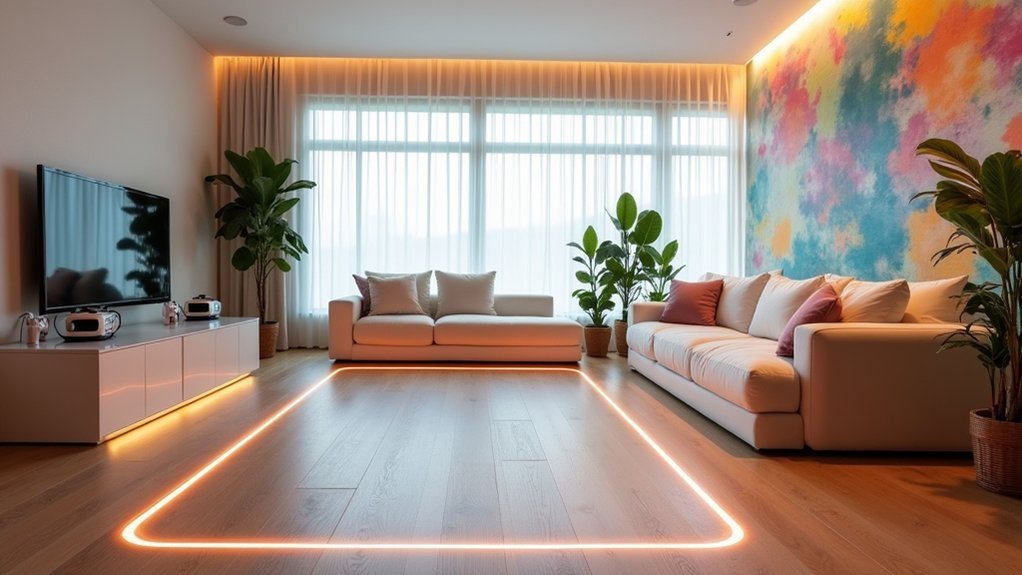
Freedom transforms when you establish a dedicated play area for room-scale VR, creating the foundation for safe movement and collision-free immersion.
You’ll want to use a round area rug or physical markers to define clear boundaries, helping maintain spatial awareness during intense gaming sessions.
Ensure your space stays well-ventilated and obstacle-free to promote comfort and safety during extended play.
Your headset’s camera passthrough feature becomes invaluable for checking surroundings without removal, keeping you oriented and secure.
Don’t forget to regularly adjust your headset fit and interpupillary distance settings.
These personalized adjustments maximize visual clarity and prevent discomfort, making your room-scale VR experiences more enjoyable and sustainable for longer periods.
Hybrid Sitting-Standing VR Station With Ergonomic Accessories
Adaptable workstations revolutionize your VR setup by combining the benefits of both seated and standing positions throughout your gaming sessions.
A hybrid sitting-standing VR station like the Vernal Standing Desk adjusts from 23.6 to 49.2 inches, promoting better posture and reducing strain during extended use.
You’ll improve the experience by adding ergonomic accessories such as memory foam facial covers and an adjustable head strap for your Meta Quest 3.
These accessories enhance comfort during lengthy VR sessions. Keyboard trays and desk shelves organize your essential devices while minimizing workspace clutter.
Proper cable management through grommet holes and management trays prevents tripping hazards.
Regularly switching between sitting and standing positions boosts blood circulation, reduces fatigue, and keeps you comfortable during immersive experiences.
Professional VR Workstation With Multiple Comfort Zones
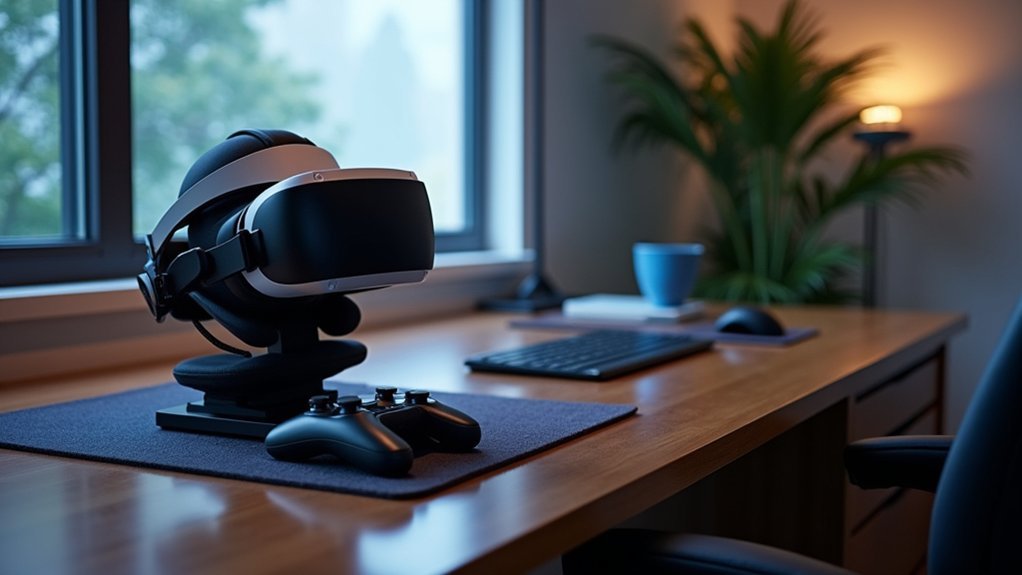
Since professional VR environments demand extended use periods, you’ll need a workstation that supports multiple comfort zones to maintain productivity and prevent fatigue.
Your professional VR workstation should center around an adjustable standing desk like the Vernal Standing Desk, enabling seamless shifts between sitting and standing positions for ideal ergonomic comfort.
Enhance your headset with a memory foam facial cover and ergonomic head strap to reduce pressure during marathon sessions.
Implement modular accessories including keyboard trays and desk shelves to maintain workspace organization. A thorough cable management system eliminates trip hazards while keeping your area tidy.
For audio, integrate Edifier R1700BT speakers to deliver immersive spatial audio without headphone fatigue, creating distinct comfort zones that adapt to your workflow demands.
Frequently Asked Questions
How to Make a VR Headset More Comfortable?
Adjust your headset’s IPD settings for clear vision, use an ergonomic head strap for weight distribution, add a memory foam facial cover, keep lenses clean, and maintain good posture with proper ventilation.
Which VR Headset Is Most Comfortable?
You’ll find the Bigscreen Beyond most comfortable due to its lightweight design and custom face cushion. The Valve Index and Meta Quest 3 also offer excellent comfort for extended sessions.
How to Comfortably Wear a VR Headset?
Adjust your headset’s IPD to match your eye spacing, guarantee it fits snugly with proper weight distribution, maintain good posture, take regular breaks, and use memory foam padding for comfort.
How to Play VR Comfortably?
You’ll play VR comfortably by starting with short sessions, using teleportation movement, adjusting your IPD settings, maintaining good posture, taking regular breaks, and gradually increasing playtime as you adapt.




Leave a Reply