
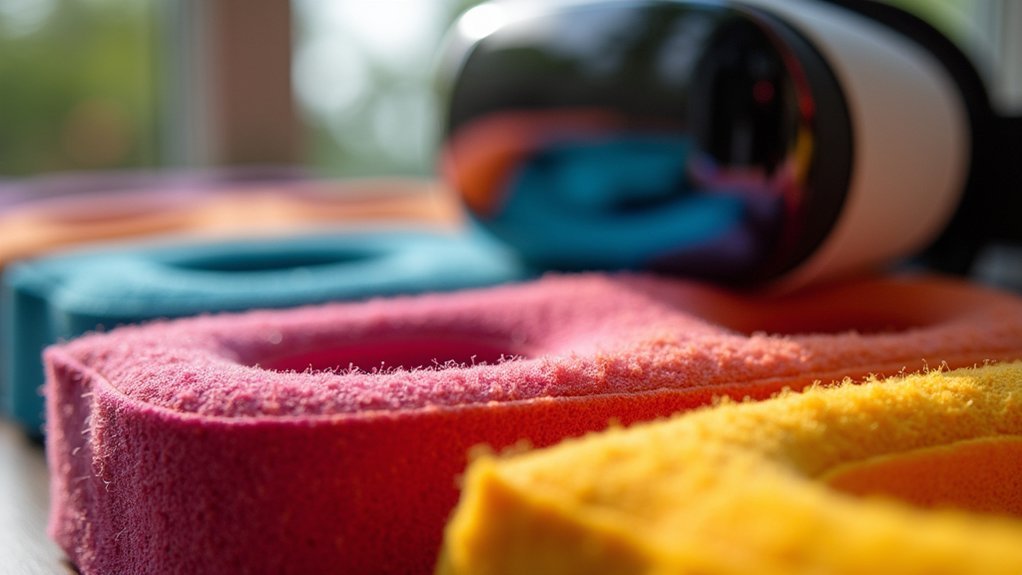
You’ll want to replace your stock VR foam with PU leather interfaces that feature wipeable surfaces and better ventilation systems. These upgrades eliminate pressure points, prevent bacteria buildup from sweat absorption, and reduce lens fogging during extended gaming sessions. Look for options with multiple foam thicknesses to accommodate your face shape and adjustable depth settings to minimize light leakage. Over 75,000 users report greatly improved comfort and hygiene with proper materials that support longer, more immersive VR experiences ahead.
Why Stock VR Face Covers Create Discomfort
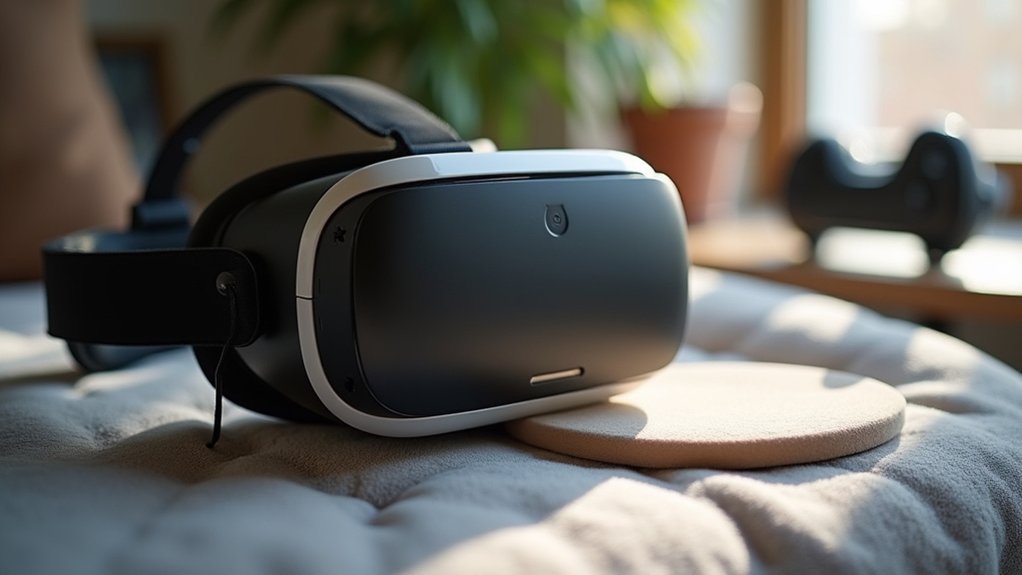
When you first unbox your VR headset, you’ll likely notice discomfort within minutes of wearing the stock face cover. These standard face covers create pressure points around your facial contours, causing fatigue and irritation during extended sessions.
You’ll also encounter hygiene issues as the foam absorbs sweat and oils, fostering bacteria growth that leads to unpleasant odors.
The poor ventilation in stock face covers contributes to lens fogging during intense gaming, disrupting your gameplay experience. Additionally, limited adjustability causes light leakage that reduces immersion.
Most importantly, these face covers lack proper ergonomic design needed to accommodate different face shapes, making them unsuitable for comfortable, prolonged use compared to upgraded alternatives that address these fundamental discomfort issues.
Material Benefits of PU Leather Vs Foam Interfaces
Three key material differences set PU leather interfaces apart from traditional foam pads in VR headsets.
PU leather VR interfaces deliver superior hygiene, durability, and comfort compared to traditional foam padding materials.
You’ll experience superior hygiene with sweatproof PU leather that doesn’t absorb moisture like foam. The ergonomic design reduces pressure points during extended sessions, while foam compresses and loses cushioning over time.
Here’s how PU leather outperforms foam:
- Sweatproof surface – Easy cleaning prevents bacteria buildup that foam retains
- Enhanced durability – Won’t degrade like foam pads with regular use
- Passive air vents – Improved airflow reduces fogging compared to heat-trapping foam
- Better comfort – Maintains shape and support longer than compressible foam
You’ll find PU leather interfaces offer higher satisfaction ratings due to their easy maintenance and longer lifespan, making them ideal for both personal and shared VR experiences.
VR Cover Facial Interface Features and Performance

You’ll notice the VR Cover Facial Interface prioritizes airflow through strategically placed vents that combat lens fogging during intense gaming sessions.
The faux leather construction won’t absorb sweat like traditional foam, making cleanup as simple as a quick wipe-down between uses.
These design choices directly address the two biggest comfort complaints VR users face: poor ventilation and hygiene maintenance.
Enhanced Ventilation Design
Although traditional VR foam padding often traps heat and moisture against your face, the VR Cover Facial Interface revolutionizes comfort through its strategically engineered ventilation design.
The VR Cover transforms your gaming experience by promoting superior airflow that keeps you comfortable during extended VR sessions.
This innovative foam replacement delivers exceptional performance through:
- Strategic vent placement that creates ideal air circulation patterns around your face
- Breathable faux leather material that prevents sweat absorption while maintaining easy cleaning
- Dual foam pad thickness options that accommodate different face shapes for personalized comfort
- Anti-fogging technology that greatly reduces lens condensation during intense gaming
The enhanced ventilation design guarantees you’ll stay cool and focused, making those marathon VR sessions more enjoyable than ever before.
Faux Leather Benefits
When you upgrade to the VR Cover’s faux leather interface, you’re investing in a premium material that outperforms traditional foam in every way. This Fitness Facial Interface delivers superior sweat resistance and enhanced comfort during extended VR sessions.
| Feature | Benefit |
|---|---|
| Faux Leather Surface | Prevents sweat absorption |
| Strategic Vents | Reduce fogging effectively |
| Easy-to-Clean Material | Quick sanitization |
| Durable Construction | Long-term satisfaction |
The Sweat-Proof PU Foam Cushion provides a luxurious texture that’s softer than standard alternatives. You’ll appreciate how this VR Accessories for Meta solution maintains hygiene, especially when sharing headsets. The easy-to-clean material guarantees quick maintenance between sessions, while the enhanced comfort design keeps you immersed longer without discomfort.
Kiwi Design Ventilation System Analysis
While most VR facial interfaces struggle with heat buildup and fogging issues, the Kiwi Design Facial Interface tackles these problems head-on through its strategic dual-vent system.
The ventilation system incorporates top and bottom vents that enhance air circulation, dramatically reducing lens fogging during extended gaming sessions. You’ll appreciate how this design maintains cooler temperatures, especially if you’re prone to sweating during intense gameplay.
Strategic dual-vent design eliminates heat buildup and lens fogging for comfortable extended VR gaming sessions.
The interface offers several key advantages over the Oculus Quest 2 original:
- Enhanced airflow prevents uncomfortable heat accumulation around your face
- Consistent foam pads provide reliable comfort levels without customization complexity
- Flatter profile design accommodates specific head shapes and sizes effectively
- Glasses compatibility works seamlessly with Quest 2’s default spacer for users with glasses
This facial interface prioritizes cooling performance while maintaining comfortable extended VR sessions.
Fitness Facial Interface for Active VR Sessions

For VR fitness enthusiasts who demand peak performance during intense workout sessions, the VR Cover Fitness Facial Interface delivers specialized features that standard foam pads simply can’t match. This fitness facial interface transforms your Oculus Quest experience with an enhanced nose guard that improves light blocking and stability during active sessions.
| Feature | Benefit |
|---|---|
| Enhanced Nose Guard | Superior light blocking during intense movements |
| Strategic Air Vents | Reduces lens fogging for clear vision |
| Dual Foam Options | Customizable comfort for extended workouts |
| Glasses Compatibility | Perfect fit for diverse face shapes |
| Ventilation System | Improved airflow during active sessions |
You’ll appreciate the two foam pad thickness options that let you customize comfort levels. The strategic ventilation prevents overheating, while compatibility with Quest 2’s glasses spacer ensures ideal fit for every user.
Hygiene Improvements With Wipeable Face Pads
You’ll find that wipeable face pads made from materials like PU leather transform your VR hygiene routine since they’re designed for effortless cleaning with simple cloths or wipes.
These specially selected materials don’t just make maintenance hassle-free—they actively prevent bacteria growth that can cause skin irritation during extended gaming sessions.
When you can quickly remove sweat and dirt after each use, you’re protecting both your health and your headset’s longevity.
Easy Cleaning Materials
Since traditional foam padding absorbs sweat and harbors bacteria, wipeable face pads revolutionize VR hygiene by offering materials you can easily sanitize between uses.
The SUPERUS Facial Interface utilizes specially selected easy cleaning materials – PU leather and sponge foam – that transform your VR experience through superior wipeable properties.
These innovative materials deliver exceptional hygiene benefits:
- Quick sanitization – Clean with cloth or wipes to eliminate bacteria and dirt accumulation
- Sweatproof feature – Keeps headsets clean and odor-free during extended gaming sessions
- Multiple users support – Wipeable surfaces promote healthy sharing practices
- Extended lifespan – Regular cleaning enhances durability while maintaining sanitary conditions
Face pads with these advanced materials guarantee every VR session remains hygienic and enjoyable for all users.
Bacteria Prevention Benefits
When bacteria accumulate on traditional foam face pads, they create unsanitary conditions that can lead to skin irritation, unpleasant odors, and potential health risks for VR users.
Upgrading to wipeable materials like PU leather and sponge foam transforms your Oculus into a cleaner gaming platform. These advanced Face Cover Pad solutions prevent bacteria growth by creating surfaces that don’t trap moisture and germs like traditional foam face materials do.
You’ll experience enhanced hygiene during intense VR sessions, as these materials maintain sweat-free environments that naturally resist bacterial accumulation.
For shared headsets, bacteria prevention becomes essential since multiple users increase contamination risks. Products like the SUPERUS Facial Interface demonstrate how proper materials eliminate transmission concerns between users, creating healthier VR experiences that over 75,000 users have enjoyed.
Installation Guide for VR Foam Replacements
Before installing your new VR foam replacement, gather all necessary tools and create a clean workspace to guarantee a smooth installation process.
Start by thoroughly cleaning your headset to assure a hygienic surface for installation. This enhanced preparation prevents contamination and improves adhesion.
Follow these essential installation steps:
- Remove old foam – Carefully detach existing padding without damaging the headset frame.
- Test fit – Check alignment and comfort before final attachment to avoid pressure points.
- Customize depth settings – Adjust available settings for ideal field of view and glasses accommodation.
- Establish cleaning routine – Plan regular maintenance schedule to maintain hygiene.
Always follow manufacturer’s instructions to prevent damage.
Test the foam replacement’s fit thoroughly before extended gaming sessions to guarantee maximum comfort and proper positioning.
Customization Options for Different Face Shapes
Once you’ve completed the installation process, selecting the right foam thickness and interface design becomes essential for achieving ideal comfort across different facial structures. Customization options like VR Cover and Kiwi Design offer multiple foam pad thicknesses, letting you choose what works best for your facial contours.
| Feature | Benefit |
|---|---|
| Multiple foam thicknesses | Accommodates different face shapes |
| Adjustable depth settings | Reduces light leakage and pressure |
| Ergonomic design interfaces | Enhanced comfort for extended use |
The SUPERUS Facial Interface exemplifies ergonomic design, fitting various face shapes while reducing pressure during long sessions. These facial interfaces with adjustable depth settings enable you to tailor the fit to your unique structure, creating a more immersive experience that users consistently prefer.
Frequently Asked Questions
How Can I Make My VR More Comfortable?
You can upgrade your facial interface with ergonomic foam replacements that include passive air vents. They’ll reduce pressure points, improve air circulation, minimize fogging, and provide better cushioning for longer, more comfortable gaming sessions.
How Can I Make My VR More Comfortable With Glasses?
You’ll want adjustable depth facial interfaces that accommodate glasses frames. Choose interfaces with multiple foam thickness options and improved ventilation to prevent lens fogging during intense gaming sessions.
What Is the Most Comfortable VR?
You’ll find the Quest 2 with SUPERUS foam padding most comfortable. Its PU leather reduces pressure, weighs only 3.52 ounces, and includes air vents for better circulation during extended sessions.
Why Is Oculus Quest 2 Being Recalled?
You’re seeing the Oculus Quest 2 recalled because its original facial interface foam caused skin irritation for some users. Oculus identified the safety issue and now provides replacement interfaces with improved, hypoallergenic foam materials.




Leave a Reply