

You can enhance your VR experience with glasses using five proven solutions: install prescription lens inserts that snap directly into your headset for maximum clarity, use glasses spacers to prevent lens contact and scratching, apply anti-fog treatments while improving ventilation to eliminate fogging issues, add custom padding with notches for your frames to distribute weight evenly, and optimize your glasses by choosing thin, lightweight frames with bendable arms. These strategies will transform your comfort and visual quality during extended gaming sessions.
Use Prescription Lens Inserts for Your VR Headset
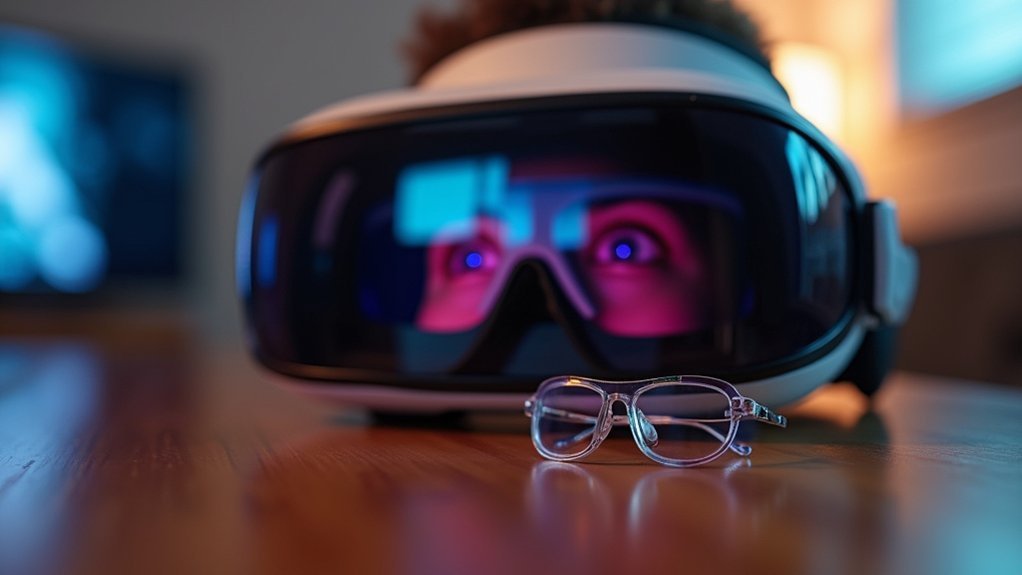
One of the most effective solutions for glasses wearers is investing in prescription lens inserts that snap directly into your VR headset.
These custom-made prescription lenses eliminate the discomfort of wearing glasses inside VR headsets while providing a secure fit that protects both components from scratches.
Custom prescription lenses provide a comfortable, scratch-free VR experience by eliminating the need for glasses inside headsets.
You’ll notice significant improvements in your virtual reality experience. Lens inserts enhance your field of view by removing the additional space and distortion caused by dual lenses.
This setup also helps improve clarity during extended gaming sessions by minimizing visual distractions.
Third-party vendors like VR Optician and WidmoVR offer these inserts for various headset models.
The enhanced comfort and immersion make prescription lens inserts a worthwhile investment for serious VR enthusiasts.
Install Glasses Spacers to Prevent Lens Contact
While prescription lens inserts offer the ultimate solution, glasses spacers provide a simpler and more affordable alternative for VR users who prefer keeping their existing eyewear. These clip-on accessories create essential space between your glasses and VR headsets to prevent lens contact, protecting both surfaces from scratches.
| Benefit | Description | Impact |
|---|---|---|
| Lens Protection | Prevents direct contact | Enhance durability |
| Pressure Relief | Reduces frame pressure | Improved comfort |
| Air Circulation | Creates ventilation gaps | Minimize fogging |
| Extended Use | Supports longer sessions | Better extended VR sessions |
| Easy Installation | Simple clip-on design | Quick setup |
Glasses spacers reduce pressure on your frames while improving comfort during extended VR sessions. They enhance airflow around lenses, effectively minimizing fogging issues. Many newer headsets include compatible spacers or offer aftermarket options.
Apply Anti-Fog Solutions and Improve Ventilation
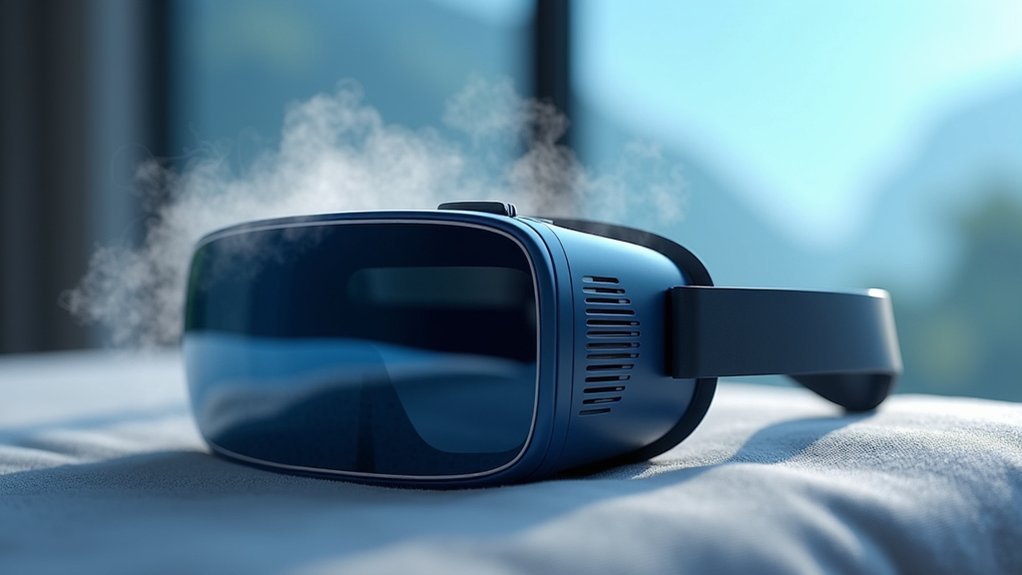
Since VR gaming generates heat and traps moisture between your headset and glasses, fogging becomes an inevitable challenge that disrupts your virtual experience.
Heat and moisture trapped between VR headsets and glasses create persistent fogging that interrupts immersive gaming experiences.
You can combat this by applying anti-fog solutions like Zeiss Lens wipes or FogKicker spray before putting on your VR headsets. These products maintain clear lenses throughout your gaming sessions, preventing fogging that compromises visibility.
Improving ventilation is equally important for comfort during extended sessions. You can loosen your headset slightly or position a fan nearby to reduce moisture buildup.
Many VR headsets feature vented face pads that enhance airflow naturally. By combining anti-fog treatments with better ventilation, you’ll eliminate fogging issues that affect your eyewear, ensuring uninterrupted virtual reality experiences without constantly removing your headset to clean your glasses.
Add Custom Padding and Comfort Covers
Although VR headsets come with standard padding, you’ll find that adding custom padding and comfort covers dramatically improves your experience when wearing glasses. These inexpensive upgrades enhance glasses and VR compatibility by distributing weight more evenly across your face, eliminating uncomfortable pressure points on your nose and temples.
Tailored padding designs often feature notches specifically cut for glasses arms, accommodating various frame styles seamlessly. You can also attach silicone rings to your glasses for added softness and stability during VR experiences.
Third-party comfort covers not only boost hygiene but provide adjustable cushioning that adapts to your unique facial structure. This simple modification transforms uncomfortable VR into comfortable VR sessions, allowing you to enjoy longer gaming periods without the constant distraction of ill-fitting equipment pressing against your frames.
Optimize Your Glasses Frame for VR Compatibility
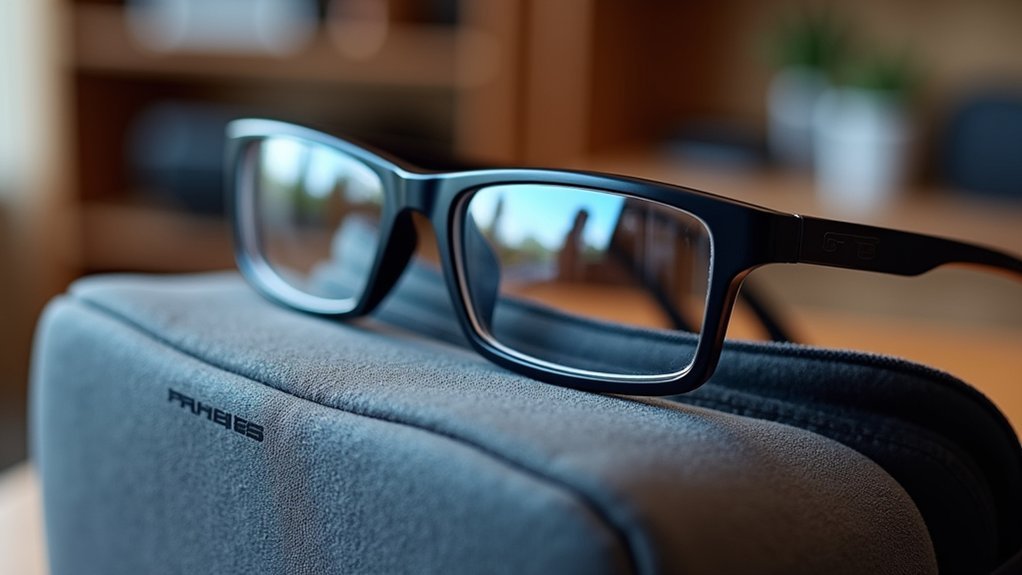
Beyond upgrading your headset’s padding, selecting the right glasses frame makes a huge difference in VR comfort and performance. Choose thin, lightweight frames that won’t create pressure points against your VR headset. Heavy or oversized frames cause discomfort and can compromise your fit entirely.
Look for frames with bendable arms that you can adjust for a snug fit without movement during gameplay. This prevents your glasses from shifting and reduces eye strain considerably.
Make sure adequate space exists between your lenses and the VR headset lenses to avoid scratching or pressure.
Consider frames specifically designed for VR compatibility if you’re a frequent user. These specialized options prioritize comfort during extended sessions while maintaining proper vision correction for ideal virtual experiences.
Frequently Asked Questions
How to Make VR More Comfortable With Glasses?
You can use prescription lens inserts for better field of view, adjust headset fit with glasses spacers, choose lightweight frames, and apply anti-fog solutions while improving ventilation for comfort.
How to Use VR if You Have Glasses?
You can wear glasses directly inside your Varjo headset using the built-in face cushions. Alternatively, you’ll get better comfort with prescription lens inserts or contact lenses for extended sessions.
How Do I Stop My VR From Hurting My Eyes?
Adjust your headset’s fit to eliminate pressure points, take frequent breaks every 20-30 minutes, use blue light filtering, guarantee proper lens distance, and consider prescription inserts for clearer vision.
Is VR Comfortable With Glasses?
You’ll find VR reasonably comfortable with glasses if you adjust the face cushions properly. Prescription lens inserts work better though, giving you wider field of view and eliminating fogging or scratching concerns.




Leave a Reply