

You’ll need a strategic combination of professional tools to create compelling VR environments. Unity and Unreal Engine serve as your primary platforms, offering robust VR support and rendering capabilities. Blender provides powerful open-source 3D modeling, while Substance Painter handles realistic texturing. A-Frame enables web-based VR development, and specialized tools like ShapesXR streamline collaborative prototyping. Success depends on mastering the three core pillars: modeling, lighting, and rendering optimization. Explore these all-encompassing solutions to access your virtual world-building potential.
Understanding VR Environment Design Fundamentals
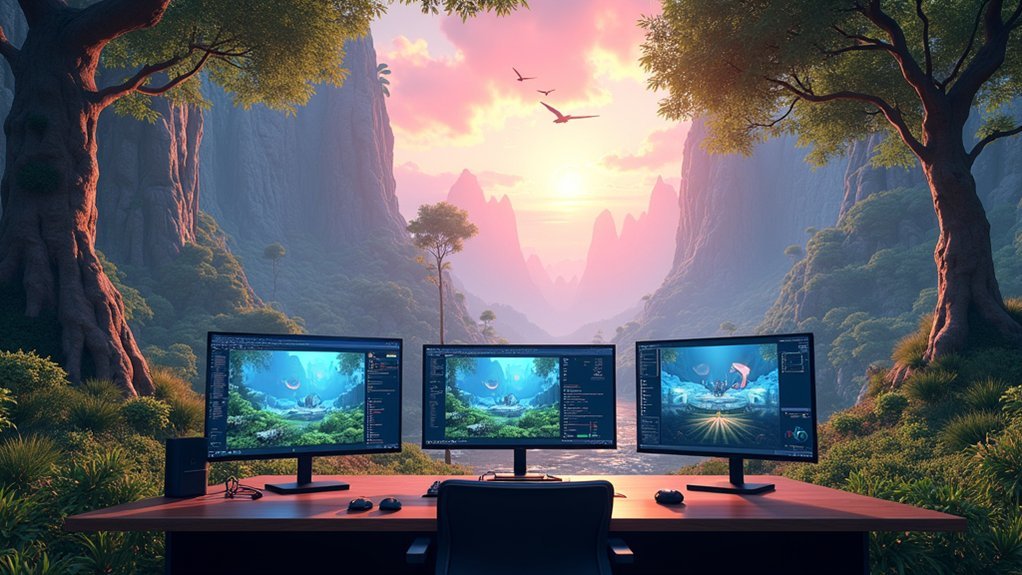
Success in VR environment design starts with mastering three core pillars: modeling, lighting, and rendering. These fundamentals create the foundation for immersive experiences that captivate users.
You’ll need to develop spatial awareness when designing, guaranteeing your 3D models respond realistically to user movements. Visual fidelity depends on combining high-quality textures with detailed models, but optimization remains essential. You should implement low-poly models with high-poly details and use Levels of Detail for performance efficiency.
Effective collaboration between designers, animators, and programmers guarantees consistency across all components. You’ll maintain unified style, lighting, and interactivity throughout your virtual world.
Focus on depth perception principles that make elements interact naturally with user actions, creating believable environments that truly engage your audience.
Essential 3D Modeling Software for Immersive Worlds
You’ll need powerful 3D modeling software to bring your immersive environments to life, and the market offers both premium industry-standard platforms and accessible open-source alternatives.
Professional studios typically rely on established tools like Autodesk Maya and Cinema 4D for their advanced features and proven workflows.
However, you can also achieve stunning results with open-source solutions like Blender, which has evolved into a legitimate competitor to paid software.
Industry-Leading 3D Platforms
The foundation of any compelling immersive world starts with choosing the right 3D modeling software that matches your creative vision and technical requirements.
Blender offers a thorough, free platform supporting your entire 3D modeling pipeline, making it accessible whether you’re beginning or professionally crafting detailed environments.
Autodesk Maya provides the advanced capabilities film and game industries demand for complex modeling and animation workflows.
When developing interactive environments, Unity’s versatile platform supports both 2D and 3D projects with robust C# scripting for customized mechanics.
Unreal Engine delivers cutting-edge graphics through advanced rendering technologies like ray tracing, perfect for high-quality visuals.
Cinema 4D streamlines motion graphics creation, letting you quickly produce stunning 3D graphics that enhance your immersive worlds’ visual appeal.
Open-Source Modeling Solutions
While premium software dominates professional studios, open-source modeling solutions offer powerful alternatives that don’t compromise on quality or functionality.
Blender stands as the cornerstone of open-source 3D modeling, supporting complete environment design pipelines from modeling to rendering. You’ll find its versatility unmatched for creating immersive design experiences across multiple platforms.
| Tool | Primary Function | Best For |
|---|---|---|
| Blender | Complete 3D pipeline | Professional environment design |
| A-Frame | Web-based VR framework | Interactive elements development |
| Open Brush | VR painting application | Artistic virtual reality environments |
A-Frame revolutionizes web-based immersive development, letting you build VR experiences using familiar HTML and JavaScript. Open Brush enables natural artistic creation within virtual reality environments, while CryEngine provides extensive free resources for detailed world-building, though it’s not fully open-source.
Game Engines Powering Virtual Reality Experiences

You’ll find that Unity’s extensive VR development toolkit makes creating immersive experiences straightforward, whether you’re building simple interactions or complex virtual worlds.
Unreal Engine’s superior graphics capabilities let you craft stunning visual environments with realistic lighting and textures that truly captivate users.
Both engines support multiple VR headsets, so you can deploy your projects across different platforms without rebuilding from scratch.
Unity VR Development Features
Game development powerhouse Unity stands as one of the most influential engines driving today’s VR revolution.
When you create immersive experiences, Unity’s game engine delivers exceptional visual quality through real-time rendering capabilities that let you see changes instantly.
Artists benefit from Unity’s extensive VR development tools, enabling seamless construction of engaging environments without complex workflows.
You’ll find Unity’s C# scripting environment empowers customization of game mechanics and interactions, while its multi-platform support guarantees your VR applications deploy across Oculus, HTC Vive, and mobile devices effortlessly.
The Asset Store accelerates your development process by providing pre-built assets and tools for faster prototyping.
Unity’s versatility in handling both 2D and 3D content makes it your go-to solution for high-fidelity VR experiences.
Unreal Engine Graphics Power
When creating stunning VR environments that blur the line between virtual and reality, Unreal Engine’s graphics capabilities deliver unparalleled visual fidelity that transforms your creative vision into breathtaking experiences.
You’ll harness cutting-edge real-time rendering technologies that elevate your immersive virtual reality experiences beyond conventional limitations. The engine’s advanced environment modeling systems integrate seamlessly with industry-standard 3D modeling tools, enabling sophisticated world creation.
Key advantages include:
- Real-time ray tracing – Achieve photorealistic lighting and reflections instantly
- Blueprint visual scripting – Build dynamic environments without complex coding
- Collaborative gameplay frameworks – Enable seamless multiplayer VR interactions
- Extensive asset libraries – Access thousands of high-quality environmental components
These powerful features streamline your development workflow while maintaining exceptional visual standards that captivate users in truly immersive virtual worlds.
Cross-Platform VR Compatibility
Cross-platform VR compatibility transforms how developers approach virtual reality creation, as modern game engines eliminate the traditional barriers between different VR ecosystems.
You’ll find that Unity and Unreal Engine enable seamless VR development across multiple VR hardware platforms, including Oculus Rift, HTC Vive, and PlayStation VR.
These game engines support various VR SDKs like OpenVR and Oculus SDK, letting you optimize performance for each device.
You can create immersive environments that leverage motion controls, room-scale tracking, and haptic feedback regardless of the target platform.
This compatibility means you’ll develop interactive experiences once and deploy everywhere, maximizing your reach while maintaining consistent user immersion across different VR systems without rebuilding from scratch.
Specialized VR Creation and Prototyping Platforms
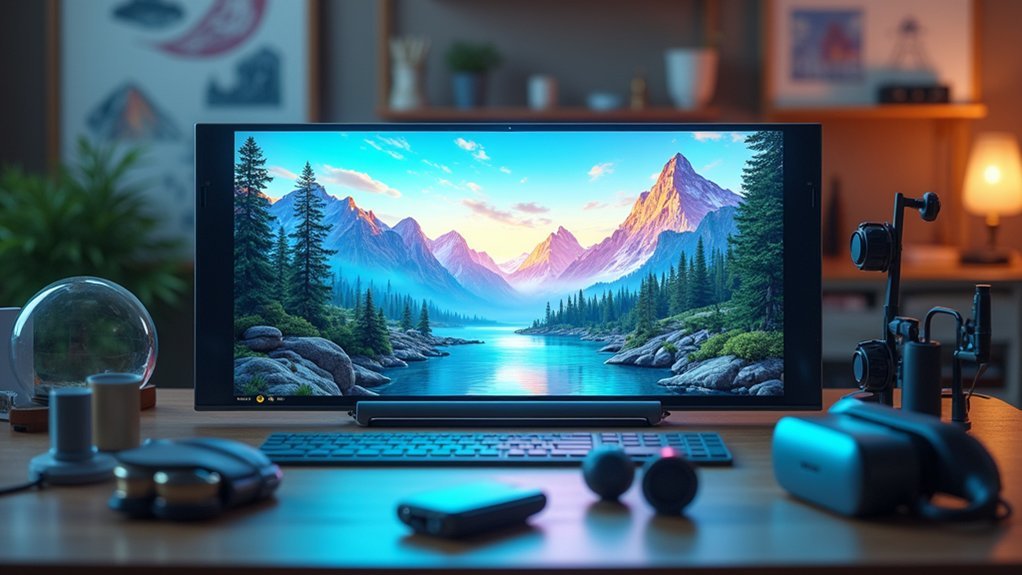
As VR development becomes increasingly sophisticated, specialized creation platforms have emerged to streamline the design process and make immersive content more accessible to creators.
These specialized VR creation tools revolutionize how you approach immersive app prototypes and collaborative spatial content development.
- ShapesXR and Tvori enable teams to create 3D storyboards efficiently through collaborative workflows.
- Unity and Unreal Engine deliver high-quality VR environments with powerful real-time interactivity capabilities.
- Blender offers extensive open-source 3D design suite functionality for modeling, animation, and rendering.
- A-Frame provides an accessible web framework using HTML and JavaScript for browser-based VR experiences.
Tools like Oculus Medium enhance your creative process through intuitive sculpting interfaces designed for natural gestures, making VR development more user-friendly than traditional methods.
Texture and Material Design Tools for Realistic Environments
The foundation of truly immersive VR environments lies in the meticulous crafting of textures and materials that convince your senses they’re experiencing real-world surfaces.
Substance Painter enables advanced painting techniques through customizable smart materials, while Quixel Mixer’s extensive Megascans library helps you create photorealistic materials by blending scanned assets.
Blender’s shader editor provides node-based workflows for developing intricate materials with complex attributes like reflection and transparency.
For interactive experiences, Unreal Engine’s Material Editor creates dynamic materials that respond to gameplay elements, changing properties based on player interactions.
Unity’s Shader Graph enhances workflow efficiency by simplifying material design through visual tools, eliminating extensive coding requirements.
These texture and material design platforms collectively empower you to construct realistic environments that blur the line between virtual and physical worlds.
Collaborative Design Solutions for VR Development Teams
When developing VR environments, you’ll discover that seamless collaboration transforms complex projects from overwhelming challenges into manageable team efforts.
Collaborative design tools streamline VR development through enhanced team communication and efficient workflows.
Here are four essential collaborative solutions for your VR development team:
- Real-time Brainstorming Platforms – Miro and FigJam facilitate instant ideation and concept visualization with seamless feedback collection.
- Immersive Spatial Content Tools – ShapesXR and Tvori enable collaborative creation of VR-specific designs within virtual environments.
- Multiplayer Design Features – Figma supports simultaneous editing for rapid iterations across visual and functional aspects.
- Engine-Based Collaboration – Unity and Unreal Engine offer robust asset integration capabilities for real-time environment design.
Community support within these platforms enhances knowledge sharing, fostering innovation while improving project outcomes through collective problem-solving.
Lighting and Atmospheric Enhancement Software
Once you’ve established collaborative workflows, lighting and atmospheric enhancement software becomes your gateway to creating emotionally compelling VR environments that captivate users from their first glance. Unreal Engine and Unity deliver advanced rendering capabilities with dynamic global illumination, while real-time ray tracing elevates visual fidelity through realistic reflections and shadows. You’ll achieve immersive environments by combining these tools with specialized atmospheric enhancement software.
| Software Category | Key Features |
|---|---|
| Game Engines | Dynamic lighting, real-time ray tracing |
| 3D Software | Volumetric lighting, complex setups |
| Environmental Tools | Clouds, fog, natural phenomena |
| Post-Processing | HDR lighting, enhanced contrast |
Blender and Maya provide robust lighting systems for complex setups, while Terragen creates detailed environmental elements. HDR lighting techniques in After Effects produce rich color palettes that enhance your overall visual quality.
Asset Libraries and Resource Management Systems
Building stunning lighting setups requires a vast collection of high-quality assets to populate your VR environments, making asset libraries and resource management systems your foundation for efficient content creation.
These centralized repositories store 3D models, textures, and digital assets that’ll dramatically boost your productivity.
You’ll benefit from these key advantages:
- Rapid prototyping – Quickly prototype environments without creating every asset from scratch
- Enhanced collaboration – Teams can easily access and share resources across projects
- Budget flexibility – Choose from free and premium content based on project requirements
- Community resources – Access user-generated content through platforms
Unity Asset Store and Unreal Engine Marketplace lead the industry, offering extensive libraries with community-driven ecosystems.
Resource management systems guarantee you’ll maintain organized workflows while tracking assets efficiently across multiple projects.
Optimization Tools for Performance-Ready VR Environments
Since VR demands consistent 90+ FPS to prevent motion sickness, you’ll need specialized optimization tools that identify and eliminate performance bottlenecks before they compromise your users’ experience.
Unity’s Profiler and Unreal Engine’s Stat commands provide real-time analysis for creating performance-ready VR environments with smooth frame rates.
Level of Detail techniques automatically reduce polygon counts on distant objects, maintaining rendering efficiency without visual compromise.
Occlusion culling prevents invisible objects from being rendered, reducing system load considerably.
You can bake lighting and shadows into textures to minimize real-time calculations and improve load times.
Tools like Blender and ZBrush excel at creating low-poly models paired with high-resolution textures, delivering detailed visuals while preserving peak performance.
These optimization tools guarantee your VR environments run smoothly across different hardware configurations.
Frequently Asked Questions
How Do You Design Immersive?
You’ll design immersive environments by mastering 3D modeling software like Blender, implementing realistic UV mapping and texturing, creating dynamic lighting systems, integrating responsive interactive elements, and collaborating with specialists to guarantee visual coherence.
What Software Is Used to Create Virtual Reality?
You’ll use Unity or Unreal Engine for extensive VR development, Blender for 3D asset creation, A-Frame for web-based experiences, Oculus Medium for VR sculpting, or Amazon Sumerian for quick application development.
What Are Environment Design Games?
You’ll find environment design games let you build and shape virtual worlds through creative tools. You can construct landscapes, design structures, and modify surroundings while expressing your artistic vision in interactive digital spaces.
How to Create VR Design?
You’ll start with 3D modeling software like Blender, then use Unity or Unreal Engine for VR integration. Focus on low-poly models for performance while adding high-poly details for visual quality.




Leave a Reply