
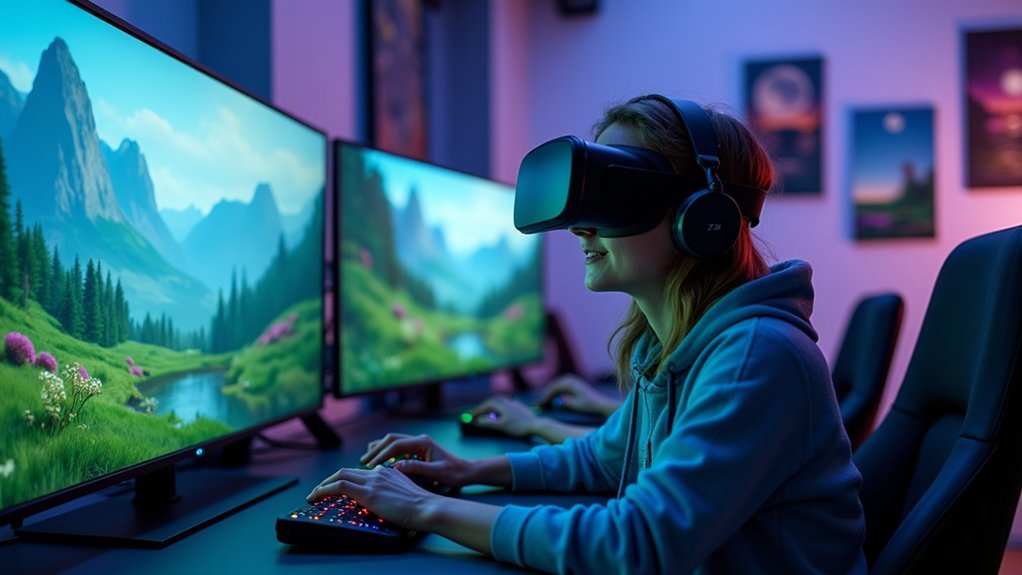
You can prevent vestibular mismatch during immersive gaming by maintaining frame rates above 90 FPS to synchronize visual and vestibular cues, using stationary visual anchors like horizon lines and fixed reference points for spatial orientation, and choosing comfort-focused locomotion methods such as teleportation over smooth movement. Proper headset fit, gradual acclimatization with regular breaks, and stable environmental setups also reduce the sensory conflict between what you see and feel. These strategies will transform your gaming experience greatly.
Understanding Visual-Vestibular Conflict in Virtual Reality Gaming

When you slip on a VR headset and immerse yourself in a virtual world, your eyes see rapid movement through digital landscapes while your body sits perfectly still in a chair.
Your brain struggles to reconcile the disconnect between what your eyes perceive and what your body actually experiences.
This creates visual-vestibular conflict, where your brain receives contradictory signals from your visual and vestibular systems. Your eyes tell your brain you’re moving at high speeds through space, while your inner ear confirms you’re stationary.
This sensory mismatch triggers symptoms of motion sickness including nausea, dizziness, and discomfort. VR environments with rapid movements or disorienting graphics worsen these effects through prolonged exposure.
Understanding this conflict is essential because effective treatment options exist to minimize these uncomfortable symptoms and improve your gaming experience.
Stable Visual References and Environmental Anchors
When you’re experiencing vestibular mismatch in VR, your brain struggles to process conflicting signals from your visual and balance systems.
You can greatly reduce this disorientation by incorporating fixed reference points and grounding visual cues into your gaming environment.
These stable elements give your brain reliable anchors to help reconcile the sensory confusion that leads to motion sickness.
Fixed Reference Points
As your brain struggles to reconcile conflicting signals from your eyes and inner ear during VR gameplay, fixed reference points serve as essential anchors that help stabilize your spatial orientation. These stationary objects and environmental markers greatly reduce sensory conflict by providing consistent visual cues that your vestibular system can rely on.
| Reference Point Type | User Comfort Benefit |
|---|---|
| Horizon lines | Reduces disorientation |
| Stationary landmarks | Minimizes nausea |
| Environmental anchors | Improves stability |
| Fixed visual markers | Enhances enjoyment |
When developers strategically integrate these elements into gameplay, you’ll experience less motion sickness and greater engagement. Whether it’s a distant mountain range or a cockpit dashboard, these stable references create predictable environments that support your vestibular processing, ultimately making immersive gaming more comfortable and enjoyable.
Grounding Visual Cues
While your eyes track rapid movements across virtual landscapes, grounding visual cues provide the stable foundation your brain needs to process motion correctly.
These visual anchors—like stationary objects, recognizable landmarks, and fixed environmental elements—help eliminate the sensory conflict that triggers vestibular mismatch during immersive gaming.
When you focus on a virtual floor, walls, or consistent reference points, your visual and vestibular systems can better integrate conflicting signals. This integration prevents the disorientation and nausea that often plague VR experiences.
Clear environmental anchors create coherence between what you see and what your inner ear detects, maintaining your sense of orientation even during rapid virtual movements.
Effective grounding visual cues transform your virtual environment into a stable, comfortable space that enhances engagement without compromising your physical well-being.
Frame Rate Optimization for Smooth VR Experiences
When you’re developing VR experiences, maintaining consistent frame rates isn’t just about visual quality—it’s essential for preventing the sensory conflicts that trigger motion sickness.
You’ll need to balance ideal frame rate standards with your hardware’s performance capabilities, ensuring your system can deliver at least 90 FPS without compromising the experience.
Motion smoothing technologies can help bridge performance gaps, but they’re most effective when combined with proper optimization rather than used as a primary solution.
Optimal Frame Rate Standards
Because visual-vestibular mismatch causes significant discomfort in VR gaming, maintaining ideal frame rates becomes critical for preventing motion sickness and guaranteeing smooth experiences.
You’ll need optimal frame rates of at least 90 FPS to synchronize visual and vestibular cues effectively. This threshold minimizes latency and reduces cybersickness symptoms by eliminating jarring visual shifts.
Frame timing consistency proves just as important as raw frame rate numbers. Irregular performance spikes worsen visual-vestibular conflicts, intensifying your discomfort during gameplay.
You should adjust graphical settings like resolution and detail levels to maintain stable performance without sacrificing visual quality.
Modern VR technologies require developers to test various frame rates across different user demographics.
You’ll benefit from this testing approach, as it keeps content comfortable regardless of your individual sensitivity to motion-induced discomfort.
Hardware Performance Requirements
As VR hardware advances, you’ll discover that achieving consistent 90 FPS demands more than just a powerful graphics card. Your CPU, RAM, and storage speed all contribute to overall hardware performance that prevents vestibular mismatch.
Modern VR headsets require synchronized processing between multiple components to maintain the recommended frame rate without drops.
You’ll need to minimize latency between your movements and visual updates on screen. High-performance hardware guarantees smooth rendering changes that keep your vestibular system aligned with what you’re seeing.
When your system can’t maintain peak visual quality, frame drops create the sensory conflicts that trigger motion sickness.
Testing your hardware’s capability across different VR scenes helps identify performance bottlenecks. You’ll want components that consistently deliver the processing power needed for immersive experiences without compromising frame stability.
Motion Smoothing Technologies
While your hardware provides the foundation for smooth VR performance, motion smoothing technologies serve as the essential bridge between raw processing power and the consistent 90 FPS your vestibular system requires.
These sophisticated frame rate optimization techniques prevent vestibular mismatch by interpolating frames and dynamically adjusting graphics complexity when your system can’t maintain target refresh rates.
You’ll experience greatly reduced cybersickness when developers implement real-time frame rate adjustments based on your individual tolerance levels.
Motion smoothing technologies actively monitor your VR headset’s performance, inserting synthetic frames between rendered ones to eliminate stuttering and motion blur.
This creates seamless immersive gaming experiences that keep your visual and vestibular systems synchronized, preventing the sensory conflicts that trigger nausea and disorientation during extended VR sessions.
Mixed Reality Integration to Reduce Sensory Disconnect
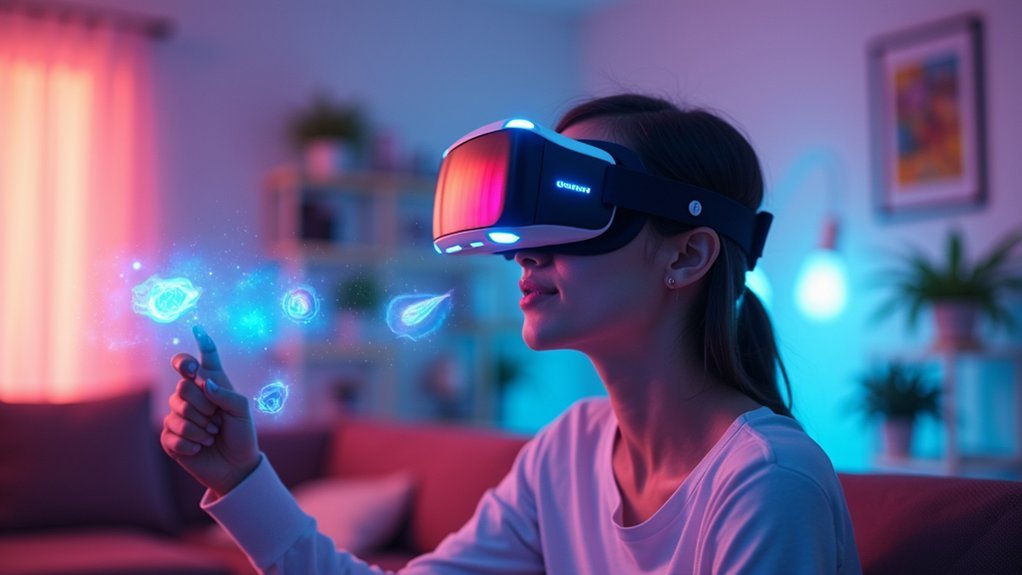
When you experience vestibular mismatch during gaming, mixed reality (MR) technology offers a promising solution by bridging the gap between your physical and virtual environments.
MR integrates real-world elements with virtual content, providing visual reference points that help align your sensory inputs and reduce visual-vestibular conflict during immersive gaming experiences.
Mixed reality creates visual anchors that synchronize what you see with what you feel, eliminating the sensory confusion that causes gaming discomfort.
By incorporating physical objects into your virtual environment, MR creates a more coherent sensory experience that minimizes the disconnect between what you see and feel.
You’ll maintain awareness of your physical surroundings while interacting with virtual content, which considerably reduces disorientation and cybersickness symptoms.
Fixed reference points in MR applications anchor your perception, making you feel more grounded and comfortable.
This enhanced stability leads to improved engagement and satisfaction, as you’re less likely to experience the nausea and dizziness associated with traditional VR systems.
User-Friendly Locomotion Methods and Movement Controls
Since traditional VR movement can trigger severe vestibular mismatch, game developers have created user-friendly locomotion methods that prioritize your comfort over realistic motion simulation.
Teleportation and point-and-click movement eliminate sensory conflicts by removing smooth motion entirely. When smooth locomotion is necessary, maintaining 90+ FPS reduces motion blur and latency that worsen discomfort.
Visual reference points like stationary objects or horizon lines help you maintain spatial orientation during immersive gaming sessions.
You’ll find customizable movement controls particularly valuable, as adjusting speed and acceleration settings lets you discover your personal comfort threshold.
Game developers actively gather user feedback during testing to refine these locomotion systems, ensuring they’re intuitive and minimize vestibular mismatch symptoms for broader player accessibility.
Gradual Acclimatization Strategies for VR Exposure
Beyond implementing comfortable movement systems, you can build your VR tolerance through strategic exposure techniques that train your sensory systems to adapt gradually. Gradual exposure to VR environments prevents overwhelming your vestibular system while promoting healthy acclimatization.
| Phase | Session Duration | Activity Type |
|---|---|---|
| Beginner | 5-10 minutes | Static experiences |
| Early | 15-20 minutes | Minimal movement |
| Intermediate | 25-30 minutes | Moderate locomotion |
| Advanced | 35-45 minutes | Full movement |
| Expert | 60+ minutes | Complex scenarios |
Start with short sessions and less intense experiences to minimize vestibular mismatch risks. Incorporate regular breaks between sessions, allowing your visual and vestibular systems to reset completely. Practice the 20-20-20 rule during exposure—look at something 20 feet away for 20 seconds every 20 minutes. You’ll progressively increase session complexity as comfort levels improve.
Physical Environment Setup for Comfortable Gaming Sessions
Your physical gaming environment plays an essential role in preventing vestibular mismatch and maintaining comfort during extended sessions. Start by securing a stable, comfortable seating arrangement that supports proper posture and reduces physical discomfort.
A well-designed gaming setup with proper seating and posture is crucial for preventing discomfort and vestibular issues during long play sessions.
Adjust your screen’s brightness, contrast, and color temperature to minimize eye strain and create ideal viewing conditions.
When using a VR headset, make sure it fits properly and maintains appropriate distance from your eyes to reduce visual-vestibular conflict. Position the headset snugly but not too tight to avoid pressure points.
Create an organized gaming space with consistent lighting that eliminates distractions and maintains focus. Remove clutter and potential hazards from your play area.
Take regular breaks to stand, stretch, and walk around, rejuvenating both mind and body while preventing vestibular mismatch symptoms during prolonged sessions.
Frequently Asked Questions
How Do You Treat Visual-Vestibular Mismatch?
You’ll treat visual-vestibular mismatch through vestibular rehabilitation exercises, gradual VR exposure for habituation, gaze stabilization training, implementing the 20-20-20 rule during screen time, and using specialized virtual reality applications designed for vestibular treatment.
What Issues Arise From Mismatches Between Vestibular and Visual Information Due to Modern Modes of Transport?
You’ll experience motion sickness, nausea, and dizziness when your visual and vestibular systems conflict during high-speed transport. You’re more susceptible if you’ve had previous vestibular disorders or motion sensitivity issues.
Can VR Cause Vestibular Problems?
Yes, you’ll experience vestibular problems from VR when your visual system perceives motion while your inner ear detects you’re stationary. This sensory mismatch causes dizziness, nausea, and disorientation during extended use.
Can Too Much Screen Time Trigger Vertigo?
Yes, excessive screen time can trigger vertigo by creating visual-vestibular conflict. Your brain struggles reconciling conflicting signals between what you’re seeing and your inner ear’s balance system, causing dizziness and disorientation.




Leave a Reply