

You’ll find that traditional controllers currently outperform hand tracking in accuracy and speed, offering superior precision with lower tracking error rates and faster task completion. However, hand tracking provides significant advantages in hygiene by eliminating shared device contact, costs nothing to maintain, and requires no charging or replacements. Controllers remain the preferred choice for gaming due to haptic feedback and ergonomic design, while hand tracking excels in AR applications and public spaces where natural gestures feel more intuitive and accessible.
The Rise of Hand Tracking Technology in VR
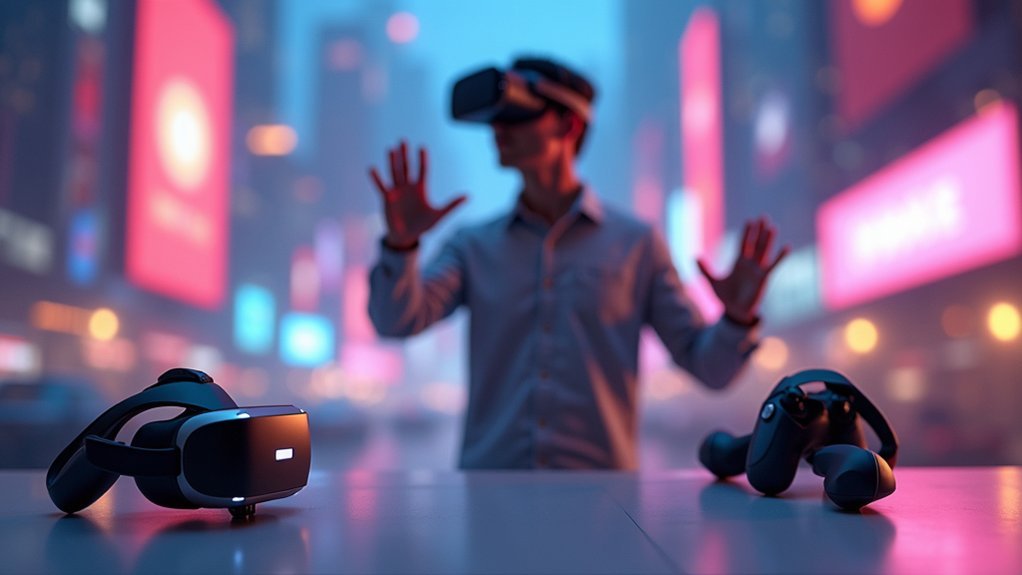
While traditional VR controllers have dominated the landscape for years, hand tracking technology is rapidly transforming how you interact with virtual environments. This innovative system uses cameras to detect your hand position and movement, eliminating the need for handheld devices entirely.
You’ll find that Meta Quest headsets utilize inside-out tracking, enabling natural gestures like tapping and scrolling that make your VR experience feel remarkably similar to using a physical tablet.
The technology recognizes familiar movements such as the ‘pinch’ motion, creating more intuitive interactions that enhance engagement through naturalistic gestures.
While hand tracking can’t provide haptic feedback like traditional controllers, it offers unprecedented freedom of movement. You can still disable this feature in settings, maintaining flexibility to switch back to controllers when preferred for specific gaming scenarios.
How Traditional Controllers Currently Dominate the Market
Market dominance belongs firmly to traditional VR controllers, which continue to outperform hand tracking across multiple essential metrics.
You’ll find that controllers deliver superior user experience through their ergonomic design and consistent performance. When you’re gaming or working in VR, controllers enable faster task completion and more precise input than emerging hand-tracking alternatives.
The reliability factor can’t be overlooked – most VR applications are specifically optimized for controller-based interactions. You experience lower mental workload and higher usability ratings with traditional controllers.
Haptic technology provides vital tactile feedback that hand tracking simply can’t match, reducing your cognitive burden during complex tasks. Despite technological advances, you’ll discover that controllers remain the preferred choice due to their straightforward interaction methods and proven effectiveness.
Accuracy and Precision: Measuring Performance Differences
When you’re choosing between hand tracking and controllers, you’ll notice significant differences in tracking error rates that directly impact your VR experience.
Controllers consistently deliver faster task completion speeds, allowing you to execute commands more efficiently than hand tracking systems.
You’ll find that hand tracking’s accuracy challenges often stem from self-occlusion issues and environmental factors that don’t affect traditional controllers.
Tracking Error Rates
As you evaluate VR input methods, tracking error rates reveal considerable performance differences between hand tracking and handheld controllers.
Controllers for VR consistently demonstrate superior performance with lower tracking error rates, delivering more reliable and precise input during your interactions.
Hand tracking suffers from self-occlusion problems when fingers or hands block tracking cameras, creating movement detection inaccuracies that disrupt your experience.
You’ll notice tracking error rates increase dramatically when your hands move close together or when one hand obstructs the other. This causes frustrating delays and janky performance that breaks immersion.
Studies confirm that controllers enable faster task completion due to their consistent tracking performance. User ratings consistently favor handheld controllers for usability, as their superior tracking precision and reliability enhance your overall VR performance considerably.
Task Completion Speed
Performance metrics consistently demonstrate that handheld controllers enable faster task completion than hand tracking across various VR applications.
You’ll experience markedly quicker results when using traditional controllers, as they provide immediate, responsive input without the delays inherent in gesture recognition systems.
Hand tracking struggles with accuracy issues and self-occlusion problems that slow down your interactions, forcing you to repeat gestures or adjust hand positions.
Task performance data reveals no meaningful speed improvements with hand-tracking technology, while handheld controllers maintain consistent timing advantages.
You’ll find controllers deliver the precision needed for rapid task execution, whereas hand tracking’s technological limitations create bottlenecks that impede your workflow efficiency and overall productivity in virtual environments.
User Experience and Immersion Levels
Although hand-tracking might seem more intuitive since it mimics natural hand movements, user experience ratings tell a different story.
Studies reveal that handheld-controllers consistently outperform hand tracking in usability metrics. You’ll find controllers provide more straightforward, less demanding interactions while reducing cognitive workload considerably.
Surprisingly, despite hand-tracking’s natural feel, there’s no meaningful difference in perceived immersion between the two input methods. You won’t gain additional involvement by using virtual hands over traditional controllers.
Controllers deliver faster task completion and lower mental workload, making them more reliable for VR experiences.
When you consider overall usability, handheld-controllers maintain clear advantages. They’re less physically and temporally demanding than virtual hands, offering efficiency that enhances your VR sessions rather than creating additional challenges.
Learning Curves and Accessibility Considerations
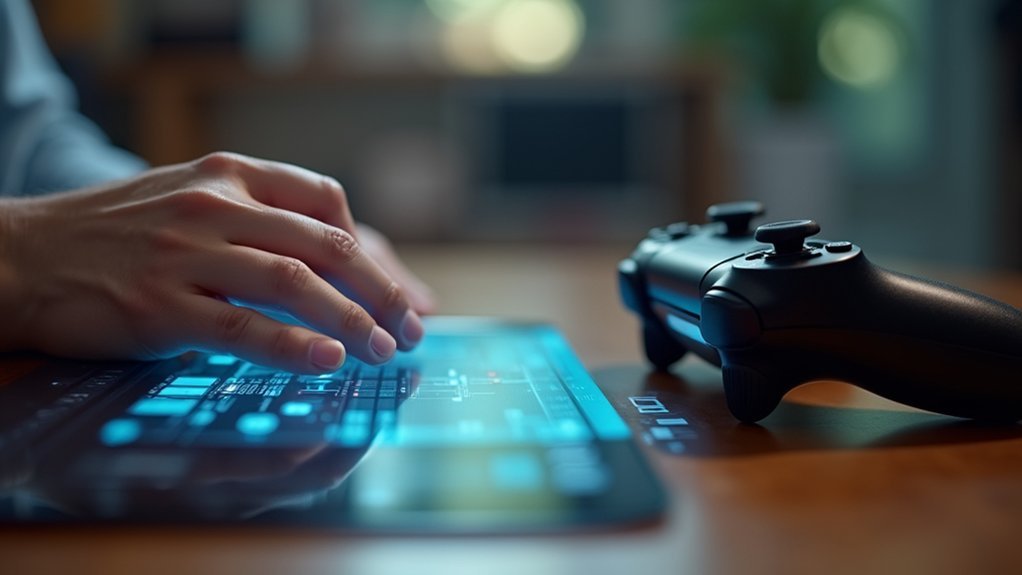
When you’re new to VR, hand tracking offers an immediate advantage by letting you interact naturally without memorizing button layouts or developing muscle memory for controllers.
You’ll find yourself waving, high-fiving, and gesturing instinctively without any training period. Controllers create steeper learning curves since you must remember different button functions that vary across applications and hardware designs.
Hand tracking provides universal accessibility through intuitive hand movements that don’t require prior gaming experience.
You won’t struggle with ergonomic differences between controller models or confusing button configurations. Additionally, hand tracking promotes better hygiene by eliminating contact with germ-harboring controllers.
While controllers offer precise input once mastered, they present significant barriers for users with limited gaming backgrounds or those who find traditional interfaces challenging to navigate effectively.
Hygiene and Maintenance Requirements
Since hand tracking eliminates physical contact with shared devices, it offers significant hygiene advantages over traditional VR controllers.
You’ll find that handheld controllers harbor five times more germs than toilet seats, creating genuine health concerns. When you use hand tracking, you’re simply washing your hands—something you already do regularly—rather than constantly sanitizing controllers with specialized cleaning products.
During pandemics, this hygiene benefit becomes even more critical. You’ll reduce disease transmission risks when multiple people use the same VR system.
Hand tracking also eliminates maintenance headaches entirely. You won’t need to charge batteries, replace worn components, or worry about controller damage. Your hands are always ready for VR sessions without any preparation, making the experience more convenient and hygienic.
Cost Analysis and Hardware Dependencies
Beyond these practical benefits, hand tracking delivers substantial financial advantages that make it increasingly attractive for both consumers and developers. Your cost analysis reveals significant savings when eliminating physical VR controllers from the equation.
| Cost Factor | Hand Tracking | Traditional Controllers |
|---|---|---|
| Hardware Production | None required | Ongoing manufacturing costs |
| Maintenance/Replacement | Zero (hands don’t break) | Regular replacements needed |
| Supply Chain | Eliminated | Complex logistics required |
You’ll find that current VR controllers like Oculus Touch demand continuous production and supply chain management, driving up expenses. Meanwhile, haptic gloves remain prohibitively expensive for consumers, stuck in enterprise markets. Hand tracking technology eliminates hardware dependencies, reduces maintenance costs, and removes charging requirements. This creates a more accessible, cost-effective VR ecosystem that fosters innovation.
Future Applications in AR and Mixed Reality
You’ll find that AR’s mobility requirements fundamentally change how you interact with digital content, especially when you’re moving through public spaces where controllers become cumbersome.
Cross-platform interface standards are emerging that’ll let you use the same hand gestures across different AR devices and applications, creating consistency in your user experience.
These developments mean you won’t need to learn new control schemes each time you switch between AR platforms or environments.
AR Mobility Requirements
When you’re moving through public spaces or commuting, AR applications demand interaction methods that won’t require you to pull out controllers or hold additional devices. Hand tracking becomes your most practical solution for mobile AR experiences, eliminating the awkwardness of carrying extra hardware while maneuvering crowded environments.
Unlike virtual reality setups that confine you to controlled spaces, mobile AR needs seamless integration with your natural movements. Your hands provide immediate access to digital interfaces without interrupting your physical activities or drawing unwanted attention from others around you.
This mobility advantage greatly enhances user experience by maintaining the spontaneous nature of AR interactions. You’ll find that hand-based controls adapt naturally to different environments, whether you’re walking, standing, or multitasking, making AR truly accessible in real-world scenarios.
Cross-Platform Interface Standards
As AR and mixed reality ecosystems expand across different manufacturers and platforms, establishing universal interface standards becomes critical for creating cohesive user experiences.
You’ll need consistent interaction methods whether you’re using Apple’s Vision Pro, Meta’s Quest, or Microsoft’s HoloLens. Cross-platform standards guarantee your hand tracking gestures and haptic feedback responses work seamlessly across devices, eliminating the learning curve when switching platforms.
- Your pinch gesture triggers the same menu selection across all AR headsets
- Haptic feedback pulses consistently when you touch virtual objects on any device
- Hand tracking recognizes identical finger movements regardless of manufacturer
- Visual interface elements respond uniformly to your gestures across platforms
- Developers create applications once, deploying across multiple AR ecosystems effortlessly
Frequently Asked Questions
Is Controller Better Than Hand Tracking VR?
You’ll find controllers perform better than hand tracking in VR. They’re more reliable, reduce mental workload, and complete tasks faster. While hand tracking feels natural, controllers offer superior usability and less frustration overall.
Is Hand Tracking Better on Quest 3S?
You’ll find hand tracking considerably improved on Quest 3S with enhanced accuracy, reduced latency, better depth perception, and smoother performance that minimizes tracking errors you’d experience on earlier models.
How Good Is Hand Tracking on Quest 2?
You’ll find Quest 2’s hand tracking works well for basic interactions like pinching and tapping, but you’ll notice tracking delays and accuracy issues when fingers overlap or hands obstruct each other.
Which Controller Is Better for Your Hands?
You’ll find handheld controllers like Oculus Touch better for your hands due to ergonomic design and haptic feedback. They reduce mental workload and provide more precise control than hand tracking technology.




Leave a Reply