
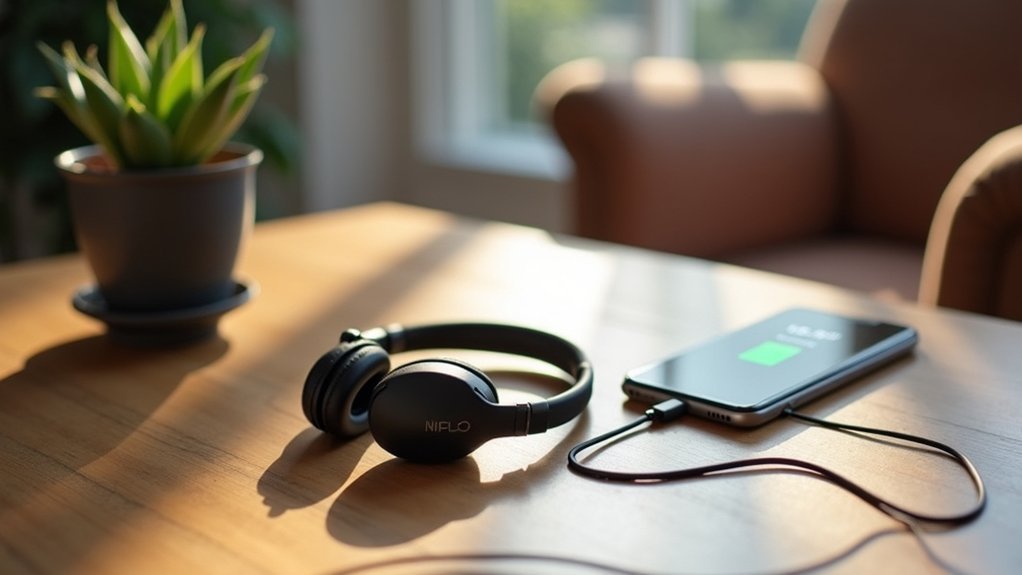
You’ll maximize your mobile headset’s battery life by following three key practices. First, charge between 30-80% and avoid dropping below 20% to prevent cell strain. Second, keep volume levels at 60-70%, enable power-saving modes, and turn off Bluetooth when not in use. Third, store your headphones in cool, dry locations away from extreme temperatures and direct sunlight. These simple habits greatly extend battery lifespan, and there’s much more you can discover about optimizing performance.
Optimize Charging Habits and Storage Practices

While it might seem convenient to charge your mobile headset to 100% every time, maintaining your battery between 30-80% will greatly extend its lifespan and preserve excellent performance.
This charging range prevents excessive strain that occurs when your device reaches fully charged status or drops below 20%.
When you store your device during inactive periods, keep it in a cool, dry location at approximately 50% charge capacity.
This practice minimizes degradation risks and maintains optimal battery health. You should avoid letting your headset’s power decline in battery levels frequently, as this causes permanent capacity loss.
Remember to disconnect your charger once it hits 100% to prevent overcharging damage.
If you’re not using your headset regularly, charge it every three months to extend battery longevity and maintain consistent performance standards.
Adjust Usage Patterns and Device Settings
Beyond proper charging techniques, your daily usage habits and device configurations play a crucial role in maximizing battery performance.
Keep volume levels between 60%-70% when using your device to prevent unnecessary battery drain that leads to a decrease in battery life.
Enable power-saving modes on your Bluetooth headphones to maximize performance and extend battery lifespan.
Turn off Bluetooth when you’re not using headphones to avoid continuous connection drain that affects battery level.
Limit background apps on your connected device, as they consume additional power.
Install software updates regularly, as manufacturers often include battery management improvements.
Avoid exposing headphones to extreme temperatures, which can accelerate battery degradation and reduce overall longevity.
Monitor Battery Health and Environmental Factors

Maintaining awareness of your headset’s battery condition requires consistent monitoring and attention to surrounding conditions that impact performance.
Check your device’s battery health regularly, as wireless headphones typically show capacity decline after 2-3 years.
Don’t let your battery fully discharge below 20% frequently, since this strains cells and reduces battery lifespan.
Monitor charging habits by unplugging when battery charged completely—overcharging damages long-term battery performance.
Store your headphones in cool, dry locations to minimize environment factors like extreme temperatures and humidity that harm battery cells.
Keep charging contacts clean and moisture-free to guarantee efficient power transfer.
These simple practices protect your investment and maintain peak battery performance throughout your headphones’ life.
Frequently Asked Questions
Why Is My Headset Battery Draining so Fast?
Your headset’s battery drains quickly because you’re likely using high volume levels, keeping ANC enabled, leaving it constantly connected, charging improperly, or exposing it to extreme temperatures.
How Can I Maximize My Mobile Battery Life?
You’ll maximize your mobile battery life by reducing screen brightness, closing unused apps, disabling location services, turning off push notifications, using airplane mode in low-signal areas, and enabling battery saver mode.
Should I Leave My Headphones Charging Overnight?
You shouldn’t leave your headphones charging overnight. Overcharging degrades battery health and reduces lifespan. Unplug them when they’re fully charged, or charge when they’re at 30-50% for ideal battery longevity.
How to Fix Headphone Battery Life?
Update your headphone firmware regularly, charge when battery drops below 20%, clean charging contacts, disable ANC when unnecessary, and store in cool places at 50% charge for extended periods.




Leave a Reply