

You can transform your architectural designs into immersive VR experiences using seven specialized tools. Enscape offers real-time integration with CAD software like Revit and SketchUp, while Autodesk Live provides cloud-based model conversion with one-click uploads. Unity 3D and Unreal Engine deliver custom VR development with cinematic quality rendering. Fuzor instantly converts models to VR, Shapespark creates web-based visualizations, and UNIGINE provides photorealistic environments. Each platform addresses specific visualization needs and enhances client engagement through interactive presentations.
Enscape: Real-Time VR Integration for CAD Software
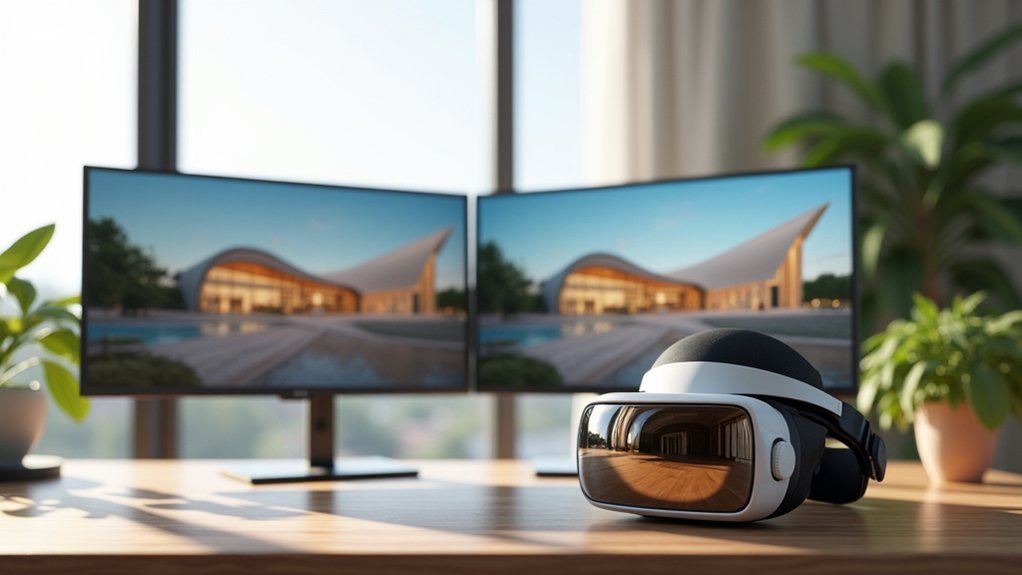
When you’re working with CAD software and need to present designs in virtual reality, Enscape eliminates the traditional barriers between modeling and immersive presentations.
This direct integration tool seamlessly connects with popular platforms like Revit, SketchUp, Rhino, and Archicad, transforming your architectural visualization workflow.
You’ll experience real-time rendering that responds instantly to design changes, removing lengthy processing times.
This capability enhances collaboration by allowing stakeholders to see modifications immediately during meetings. Enscape generates high-quality 360° panoramas for client presentations, supporting both stereo and mono exports.
The software’s compatibility with leading VR headsets, including Meta Quest 3 and HTC Vive Pro 2, guarantees comfortable virtual experiences.
You can iterate designs quickly, make informed decisions faster, and deliver compelling presentations that help clients truly understand spatial relationships within your projects.
Autodesk Live: Cloud-Based BIM Model Transformation
You’ll find Autodesk Live transforms your Revit models into interactive VR presentations through seamless one-click cloud uploads that eliminate complex conversion processes.
The platform’s cloud-based architecture lets you share immersive experiences instantly with clients and stakeholders, enabling immediate feedback on your designs.
You can iterate your models in real-time and push updates directly to the cloud, ensuring everyone stays aligned throughout the design development process.
One-Click Cloud Upload
Autodesk Live revolutionizes the traditional BIM-to-VR workflow by eliminating the technical barriers that once made virtual reality presentations complex and time-consuming.
You can now transform your Revit models into interactive VR presentations through Autodesk Live’s streamlined one-click upload process. This cloud-based functionality has enhanced workflow efficiency for architects since its July 2016 launch.
The simplified upload process delivers three key benefits:
- Instant Model Transformation – Your BIM models convert to VR-ready formats without technical expertise
- Immediate Client Access – Stakeholders can explore immersive experiences remotely through cloud access
- Real-Time Collaboration – You’ll receive client feedback faster, enabling quicker design adjustments
This enhanced design sharing capability helps you create engaging presentations that make complex architectural concepts accessible to clients and stakeholders.
Real-Time Design Iteration
Because traditional design workflows often require lengthy revision cycles, real-time iteration capabilities transform how you approach architectural refinement. Autodesk Live’s real-time rendering empowers you to assess design adjustments instantly, creating immersive experiences that facilitate immediate client feedback. This cloud-based technology revolutionizes design sharing capabilities, allowing project stakeholders to collaborate seamlessly on architectural concepts.
| Traditional Workflow | Real-Time Iteration |
|---|---|
| Static presentations | Interactive visualizations |
| Delayed feedback loops | Instant client responses |
| Time-consuming revisions | Rapid iteration cycles |
| Limited stakeholder engagement | Enhanced collaboration |
| Separate modeling/rendering | Integrated design process |
You’ll find that these architectural visualization tools eliminate bottlenecks in your design process. The ability to modify elements while stakeholders observe changes in real-time creates unprecedented opportunities for collaborative refinement, ensuring your final designs exceed expectations.
Unity 3D Game Engine: Custom VR Experience Development

When you’re ready to transform your architectural designs into fully immersive VR experiences, Unity 3D stands out as the most versatile platform for custom development.
You’ll find Unity’s intuitive interface makes translating CAD/BIM models into visual stunning architectural visualization surprisingly straightforward. The engine’s fluid workflows enable rapid iteration, letting you refine designs quickly while maintaining client engagement.
Unity empowers you to create customizable features that enhance your presentations:
- Realistic interactive walk-throughs that give clients thorough spatial understanding
- Multi-scale visualization from room details to entire building complexes
- Dynamic lighting and materials that showcase designs under various conditions
With basic programming knowledge, you’ll integrate specialized functionalities tailored to your projects.
Unity’s widespread industry recognition stems from its ability to deliver engaging VR environments that revolutionize how clients experience architectural spaces.
Unreal Engine: Professional Architectural Visualization Platform
Unreal Engine elevates architectural visualization to cinematic quality through its industry-leading rendering capabilities and sophisticated real-time graphics.
You’ll create immersive VR environments that showcase complex architectural models with stunning realism. The platform’s real-time rendering technology lets you make instant design adjustments while visualizing changes immediately, streamlining your workflow markedly.
You’ll access extensive asset library resources and customizable options that empower you to craft unique virtual environments tailored to specific project requirements.
Unreal Engine’s realistic rendering transforms your architectural designs into compelling presentations that clients can truly experience.
The platform’s free access for architectural firms eliminates financial barriers, allowing you to leverage professional-grade tools without heavy investment while delivering exceptional architectural visualization results.
Fuzor: Instant Model-to-VR Conversion Tool

While Unreal Engine offers extensive visualization capabilities, Fuzor transforms your workflow by instantly converting Revit or SketchUp models into immersive VR experiences without complex setup procedures.
This model-to-VR solution streamlines architectural designs visualization, letting you quickly assess construction project visualization before implementation.
Fuzor’s intuitive interface enables you to create detailed VR presentations without extensive technical training.
You’ll enhance collaboration among stakeholders through:
- Rapid design iteration – Make real-time adjustments and immediately see results in VR
- Enhanced stakeholder engagement – Present immersive walkthroughs that clients easily understand
- Accelerated feedback cycles – Gather input quickly from team members in virtual environments
This accessibility makes Fuzor particularly valuable for architects seeking efficient VR integration.
You can focus on design improvement rather than technical complexities, notably speeding up your visualization process.
Shapespark: Web-Based VR Visualization With Accurate Lighting
Although complex VR setups often require additional software installations, Shapespark eliminates these barriers by delivering real-time architectural visualizations directly through your web browser.
This web-based visualization platform leverages WebGL technology to create immersive experiences without plug-ins.
You’ll appreciate Shapespark’s accurate lighting capabilities, which enhance the realism of your architectural visualization projects.
The platform supports Oculus Rift for stereoscopic 3D viewing, allowing you to explore spaces with true depth perception. You can move freely through environments, examining every detail of your designs.
The sharing functionality streamlines client presentations—simply send unique links to stakeholders for instant access.
This browser-based approach means your clients don’t need specialized software, making virtual reality demonstrations accessible to everyone involved in your project.
UNIGINE: Advanced Rendering Engine for Photorealistic Environments
When your architectural visualization demands the highest level of photorealism, UNIGINE’s proprietary game engine delivers sophisticated rendering capabilities that transform 3D environments into near-photographic quality experiences.
This advanced rendering powerhouse excels at creating immersive experiences that help clients truly understand spatial designs through VR applications.
UNIGINE’s standout features for architectural visualization include:
UNIGINE’s sophisticated rendering capabilities deliver photorealistic architectural visualizations through superior lighting systems, large-scale optimization, and native VR compatibility.
- Superior lighting and shading systems that produce realistic material reflections and accurate shadow casting
- Large-scale project optimization that maintains exceptional performance without sacrificing visual quality
- Native VR headset compatibility enabling interactive walkthroughs of architectural designs
You’ll find UNIGINE particularly valuable when presenting complex architectural concepts, as its sophisticated post-processing techniques create compelling visual narratives that enhance client engagement and project approval rates.
Frequently Asked Questions
Which Software Is Best for Architectural Visualization?
You’ll find Enscape excels for real-time Revit integration, while Unreal Engine offers the most powerful visualization capabilities. Choose Enscape if you’re working primarily with BIM models, or Unreal Engine for advanced architectural presentations.
How to Use VR in Architecture?
You can integrate VR into architecture by using software like Enscape or Autodesk Live with Revit, creating immersive client presentations, enabling real-time design reviews, and allowing stakeholders to experience spaces before they’re built.
What VR Works With Enscape?
You can use Meta Quest 3 and HTC Vive Pro 2 with Enscape for immersive architectural visualization. The software’s one-click VR functionality works seamlessly with these headsets, letting you showcase designs with real-time interactive changes.
What Is 3D Architectural Visualisation?
You’ll create realistic 3D representations of buildings using advanced software and rendering techniques. You’re able to showcase materials, lighting, and spatial relationships effectively, helping clients visualize designs before construction begins.



