

You’ll find excellent 360-degree video viewing through YouTube VR’s vast content library, Within’s curated premium experiences, Fulldive VR’s multi-source browser, VeeR VR’s global creator community, and Oculus TV’s cross-platform entertainment hub. These apps offer intuitive interfaces, immersive audio-visual elements, and compatibility with major VR headsets. YouTube VR provides creator-friendly features, while Within focuses on professionally produced content with enhanced interactivity. Each platform delivers unique strengths that’ll transform your smartphone into an immersive viewing portal with countless exploration opportunities ahead.
Our Recommended Products on Amazon


As an Amazon Associate we earn from qualifying purchases.
YouTube VR – Immersive Video Streaming Platform
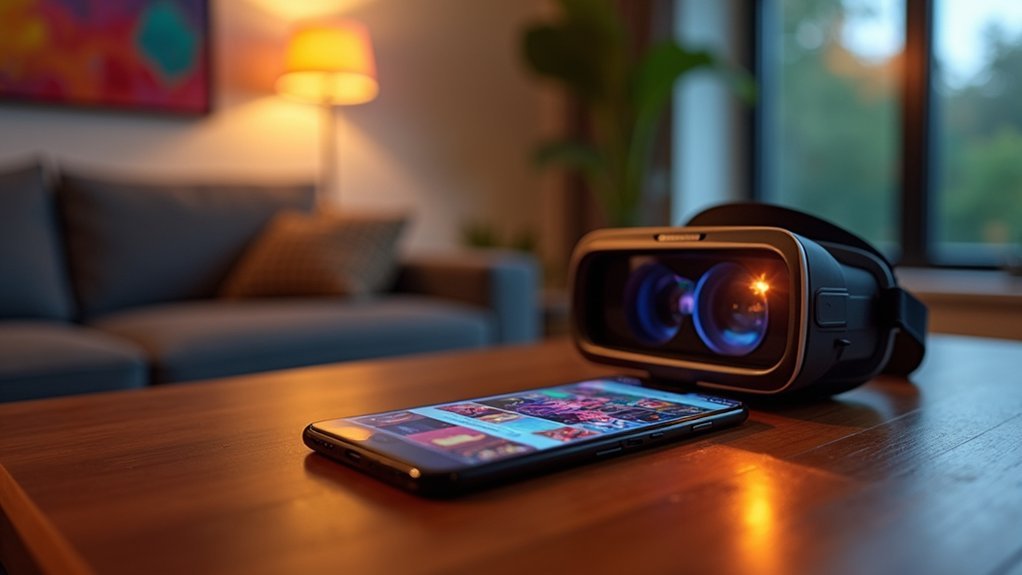
When you’re ready to plunge into truly immersive 360-degree content, YouTube VR stands out as the premier streaming platform that transforms your smartphone into a gateway for virtual experiences.
You’ll find compatibility with major VR headsets like Oculus Rift and HTC Vive, ensuring seamless integration with your existing setup. The app’s vast library spans diverse genres including travel, gaming, and music, giving you endless exploration opportunities.
YouTube VR delivers seamless compatibility across major headsets while offering an expansive content library spanning travel, gaming, and music experiences.
You can easily navigate through content using the intuitive interface, which provides quick access to personalized playlists and notifications for fresh uploads.
What sets YouTube VR apart is its creator-friendly approach—you’re empowered to upload your own 360-degree videos, contributing to the platform’s ever-expanding immersive content ecosystem.
Within – Premium VR Content Library
While YouTube VR excels at user-generated content, Within elevates your 360-degree viewing experience through its carefully curated premium VR content library that prioritizes quality over quantity.
You’ll discover professionally produced 360-degree videos spanning travel destinations, nature documentaries, and immersive storytelling experiences that transport you to extraordinary environments.
Within’s extensive collection guarantees you’re accessing exclusive, high-caliber content that’s regularly refreshed with new offerings.
The platform supports various VR headsets, delivering enhanced immersive audio and visual elements specifically optimized for virtual reality viewing.
What sets Within apart is its emphasis on user interactivity, allowing you to engage with content in ways traditional video formats can’t match.
This interactive approach greatly enhances your overall immersion and viewing satisfaction.
Fulldive VR – Virtual Reality Video Browser

If you’re seeking an extensive virtual reality video browser that consolidates multiple content sources into a single platform, Fulldive VR delivers exactly that functionality. You’ll access 360-degree videos from YouTube and personal files through one convenient app. The interface makes discovering new content effortless with organized categories and playlists.
| Feature | Basic Version | Pro Version |
|---|---|---|
| Content Sources | YouTube, Personal Files | All Sources + Premium |
| VR Headset Support | Standard Models | Advanced Compatibility |
| Content Creation | Basic Tools | Enhanced Features |
| Navigation | Simple Interface | Advanced Controls |
| Community Features | Share Content | Premium Sharing Tools |
You can create and share your own VR content while connecting with fellow creators. The app supports various VR headsets, ensuring compatibility across devices. Fulldive VR’s free availability, with Pro version upgrades, makes premium 360-degree viewing accessible.
VeeR VR – Global 360-Degree Video Community
VeeR VR transforms your phone into a gateway for accessing a vibrant global community of 360-degree video creators and enthusiasts.
You’ll discover an extensive library of immersive content spanning travel adventures, documentaries, and cutting-edge experiences from creators worldwide. The platform’s user-friendly interface makes traversing different content categories effortless, while wide VR device compatibility guarantees peak viewing experiences.
VeeR VR fosters genuine community interaction through commenting and liking features, connecting you with fellow VR enthusiasts who share your passion for immersive content.
If you’re a creator, you’ll appreciate the all-inclusive tools for uploading and monetizing your 360-degree videos. This dual approach of consumption and creation makes VeeR VR a thorough platform that supports both viewers seeking quality content and creators building sustainable careers in immersive media production.
Oculus TV – Cross-Platform VR Entertainment Hub
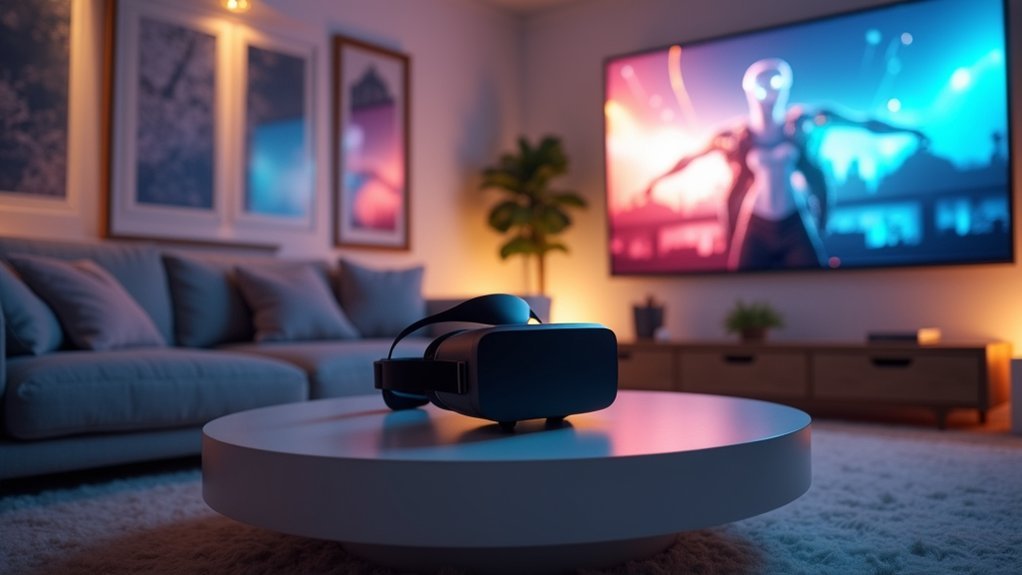
Oculus TV consolidates your VR entertainment experience by bringing together 360-degree videos and immersive content from multiple sources into one streamlined platform.
This cross-platform VR entertainment hub supports various headsets, including Quest and Rift models, ensuring you can access content regardless of your VR device.
You’ll appreciate the intuitive interface that organizes content into clear categories like movies, shows, and user-generated videos.
The platform lets you customize your viewing environment by selecting different virtual settings that enhance immersion during playback.
Regular updates keep Oculus TV competitive by improving performance and expanding available content.
Whether you’re browsing professional productions or community-created videos, this VR entertainment hub delivers an all-encompassing solution for accessing diverse 360-degree content in one convenient location.
Frequently Asked Questions
How Can You View 360-Degree Videos?
You can view 360-degree videos by using your smartphone’s built-in capabilities, tilting and rotating to explore angles, or through VR headsets, YouTube’s platform, and specialized apps like Google Street View.
What Is the Best Platform for 360 Videos?
YouTube’s the best platform you’ll find for 360-degree videos. You can access millions of immersive videos, share content easily, and enjoy seamless playback across devices without needing additional software downloads.
How Do I View 360 Photos on My Phone?
You can view 360-degree photos using Google Photos, Facebook, Instagram, or Google Street View apps. Simply tilt your phone or drag the screen to explore the immersive content interactively.
Can You Turn Your Phone Into a 360 Camera?
You can turn your phone into a 360 camera using apps like Google Street View, 360 Pro, Panorama 360, or Cardboard Camera. They’ll capture spherical images and videos without requiring additional hardware.



