
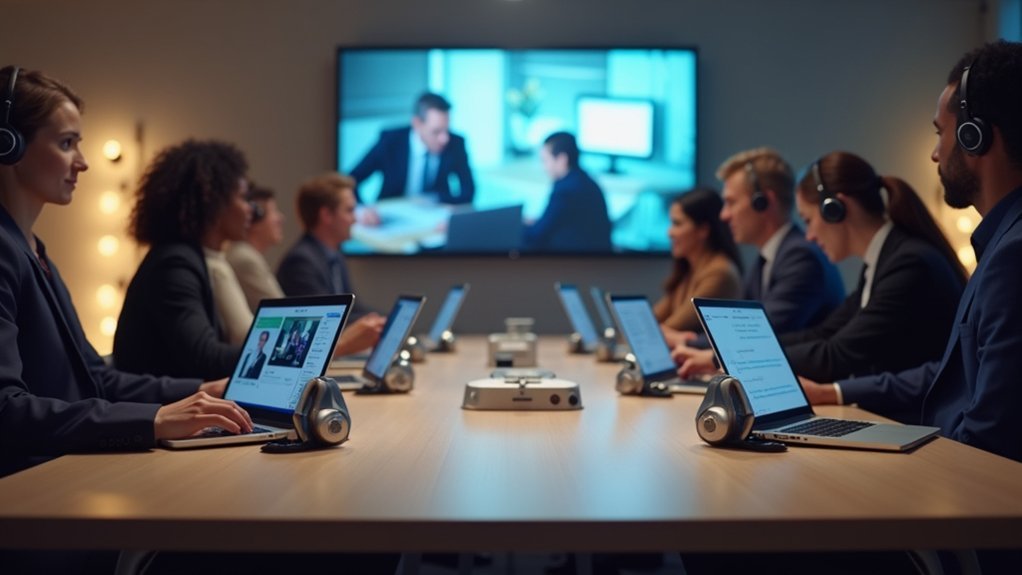
You’ll need specialized enterprise headset management platforms to handle large-scale VR training deployments efficiently. ManageXR leads the market serving over 3,000 companies with bulk enrollment and remote monitoring capabilities. Strivr offers extensive XR training solutions with IT ecosystem integration, while ArborXR provides centralized fleet management systems. SkillsVR ACTIVATE specializes in mobile device management for VR training with real-time performance monitoring. These platforms also include centralized content deployment, analytics dashboards, and enterprise-grade security features to explore further.
ManageXR Device Management Platform
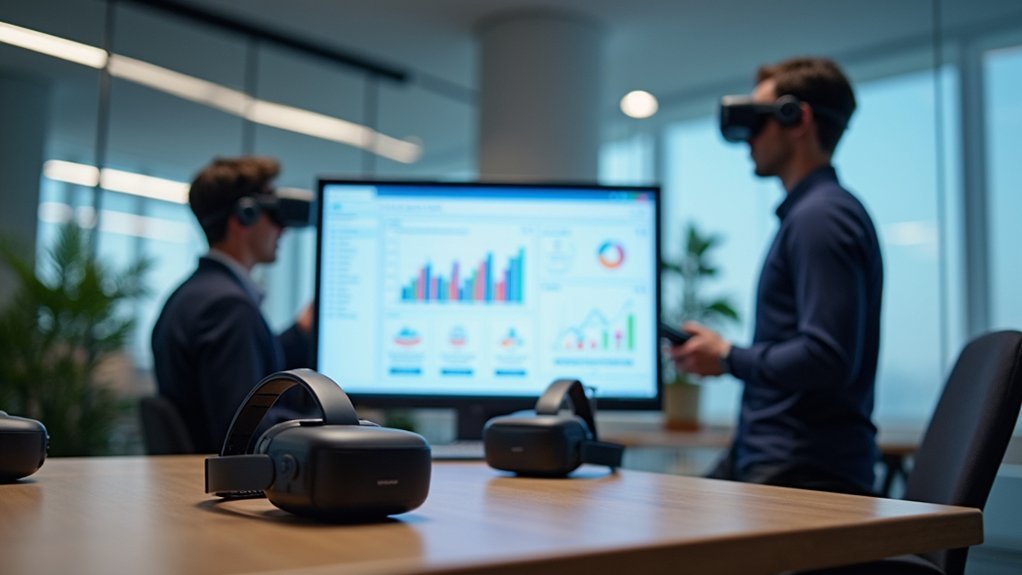
As organizations increasingly adopt AR and VR technology, ManageXR emerges as the leading device management platform that streamlines enterprise headset operations.
You’ll find effortless enrollment, configuration, and remote monitoring capabilities that transform how you deploy XR solutions across your organization.
The platform’s bulk enrollment and mass configuration features enable you to scale immersive learning deployments efficiently.
You can remotely install and monitor content without physical device connections, ensuring rapid application deployment for training programs.
ManageXR’s real-time control lets you monitor user experiences and customize in-headset environments.
ManageXR delivers comprehensive real-time oversight, enabling administrators to seamlessly monitor user interactions and tailor immersive environments to organizational requirements.
With recognition as the #1 enterprise solution on G2, this management platform serves over 3,000 companies worldwide, making it the trusted choice for organizations implementing extensive XR training initiatives.
Strivr Enterprise XR Training Solution
When you’re implementing enterprise XR training at scale, Strivr’s extensive solution transforms how your organization delivers immersive learning experiences. The platform streamlines VR headset management through easy setup and monitoring capabilities, allowing training coordinators to efficiently deploy devices across large teams.
Strivr’s thorough features include:
- Real-time analytics and reporting – Track learner progress and performance metrics instantly
- Remote content updates – Keep training materials current without manual intervention
- IT ecosystem integration – Support various hardware options for flexible deployment
- Device performance monitoring – Verify headsets function properly across all environments
Your XR training program benefits from seamless content management and robust performance tracking. The platform’s integration capabilities promote a seamless experience across different training environments while maintaining ideal device functionality throughout your organization.
ArborXR Fleet Management System
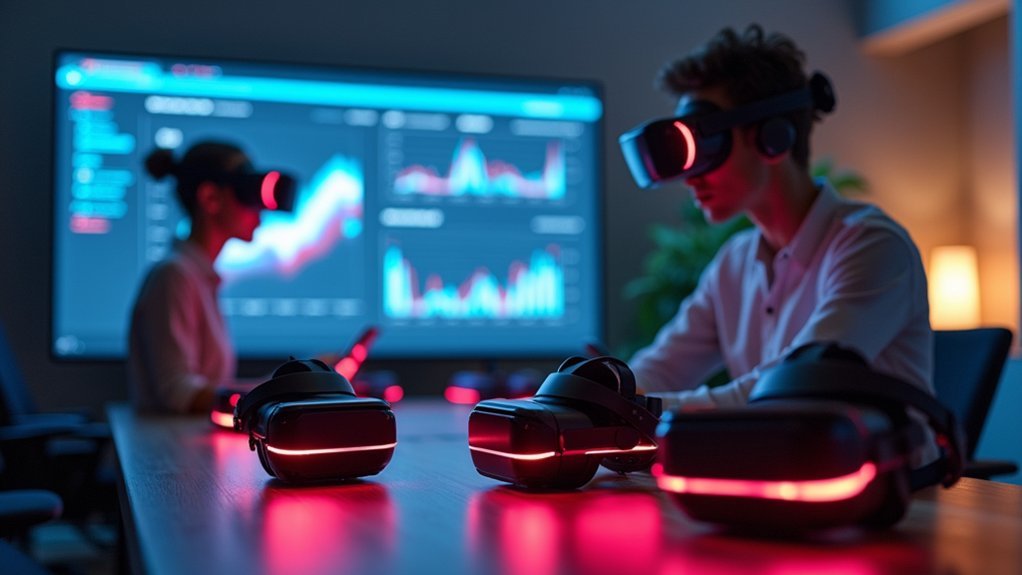
Managing enterprise XR deployments becomes straightforward with ArborXR’s extensive fleet management system that handles everything from device enrollment to content distribution. You’ll streamline your VR training operations through centralized oversight of all connected headsets.
| Feature | Capability | Benefit |
|---|---|---|
| Bulk Enrollment | Mass device configuration | Scalable deployments |
| Remote Installation | Wireless content delivery | Rapid app distribution |
| Real-time Monitoring | Device status tracking | Ideal functionality |
The management platform enables you to deploy AR and VR content remotely without physical connections to devices. You’ll monitor usage metrics in real-time, ensuring your training programs maintain effectiveness. With bulk enrollment capabilities, you can configure multiple headsets simultaneously, making large-scale XR implementations efficient and manageable across your organization.
SkillsVR ACTIVATE Mobile Device Management
While ArborXR focuses on extensive fleet oversight, SkillsVR ACTIVATE takes a specialized approach to mobile device management that emphasizes rapid deployment and streamlined administration.
You’ll find this platform specifically designed to accelerate VR training rollouts across your organization.
SkillsVR ACTIVATE transforms your Mobile Device Management experience through:
Streamlined mobile device management that accelerates VR training deployment through intelligent automation and centralized control systems.
- Quick setup and configuration that gets your VR headsets operational faster
- Real-time monitoring of device performance metrics for proactive issue resolution
- Remote updates ensuring headsets maintain the latest features and content automatically
- Centralized bulk enrollment enabling mass configuration for seamless scaling
You’ll gain valuable insights into learner engagement through detailed analytics and data-driven reports.
The platform reduces administrative workload while enhancing your user experience, making VR training deployment more efficient and effective across your enterprise.
Centralized Content Deployment and Version Control

You’ll find that remote content installation transforms how you distribute XR training materials across your entire fleet of headsets.
Version control systems guarantee you’re always deploying the latest content while maintaining consistency across all devices.
Bulk deployment capabilities let you push updates to thousands of headsets simultaneously, eliminating the time-consuming process of manual installations.
Remote Content Installation
Deploying XR content across dozens or hundreds of headsets transforms from a logistical nightmare into a streamlined operation when you leverage remote content installation capabilities.
You’ll eliminate the time-consuming process of manually connecting each device while ensuring consistent XR deployments across your entire fleet.
Remote content installation offers these critical advantages for your training programs:
- Rapid deployment – Push training content to multiple headsets simultaneously without physical connections
- Real-time monitoring – Track installation progress and validate successful deployment across all devices
- Centralized control – Manage all content distribution from a single dashboard interface
- Trusted resources – Access verified XR app developers through integrated directories
You’ll maintain complete oversight of your training materials while greatly reducing deployment time and administrative overhead.
Version Control Systems
Managing content across your headset fleet becomes considerably more complex when different devices run varying versions of the same application. Version control systems solve this challenge by enabling seamless deployment across multiple headsets simultaneously.
You’ll wirelessly push new application versions to thousands of devices without manual intervention, ensuring consistency throughout your organization.
When you deploy content through centralized systems, all learners access identical training materials—critical for collaborative environments where users experience shared virtual spaces.
Detailed analytics accompanying these systems provide insights into content usage and performance metrics, informing your future training decisions.
Customizable catalog tracking simplifies administrative oversight, letting you tailor content to specific organizational needs while monitoring changes over time, reducing downtime and maintaining operational efficiency.
Bulk Deployment Capabilities
Thousands of headsets can receive identical XR applications and updates through centralized deployment systems, eliminating the time-consuming process of configuring each device individually.
Your organization’s bulk enrollment capabilities transform how you manage large-scale training initiatives by streamlining device preparation and content distribution.
Centralized content deployment offers these key advantages for your XR program:
- Simultaneous Updates – Push new training modules to all devices instantly
- Consistent Configuration – Guarantee identical settings across your entire fleet
- Reduced Administrative Tasks – Eliminate manual setup for each headset
- Enhanced Operational Control – Monitor deployment status in real-time
You’ll notably reduce setup time while maintaining consistency across your training environment.
This approach allows your team to focus on program development rather than device management, maximizing the efficiency of your XR training deployment.
Real-Time Device Monitoring and Analytics
When your organization scales VR training across multiple departments, you’ll need thorough visibility into how each headset performs in real-time.
Real-time monitoring systems track device status, usage patterns, and performance metrics, ensuring your VR headsets function effectively during critical training sessions.
Real-time monitoring ensures VR headsets perform optimally when it matters most during mission-critical training scenarios.
You’ll receive immediate alerts when devices experience issues, allowing proactive troubleshooting that prevents disruptions to the training experience.
Centralized dashboards display multiple device statuses simultaneously, reducing administrative overhead while maintaining efficient oversight.
The analytics generated from continuous monitoring provide valuable insights into learner engagement levels and training effectiveness.
You can assess which programs deliver the strongest impact and identify areas needing improvement.
These data-driven insights enable informed adjustments to training content and delivery methods, ultimately enhancing your organization’s return on VR training investments.
Enterprise Security and Compliance Features
You’ll need robust data protection standards that safeguard sensitive information across your AR and VR training environments.
Your organization can implement thorough access control management to guarantee only authorized personnel interact with devices and access training content.
You’re also able to deploy compliance monitoring systems that continuously track adherence to industry regulations and security protocols.
Data Protection Standards
Because sensitive organizational data flows through VR/AR headsets during training sessions and enterprise applications, ArborXR’s enterprise-level security architecture becomes critical for protecting your information assets.
The platform’s robust data protection standards guarantee your organization maintains compliance while safeguarding confidential information across all managed devices.
ArborXR’s extensive security framework includes:
- Enterprise-grade encryption protocols that protect data transmission between headsets and management systems
- Native platform integrations designed to seamlessly connect with your existing IT infrastructure while maintaining security standards
- Regular automated updates that keep devices equipped with the latest protection features and compliance requirements
- Continuous remote monitoring capabilities that maintain oversight of security protocols and detect potential vulnerabilities
This multi-layered approach guarantees your training environment remains secure while meeting evolving regulatory demands.
Access Control Management
Managing user access across your VR/AR headset fleet requires sophisticated control mechanisms that go far beyond basic password protection.
Enterprise headset management tools deliver robust access control features that guarantee only authorized users can operate devices, strengthening your organization’s security posture and compliance framework.
You’ll configure detailed user permission settings, defining specific roles and access levels that align with organizational hierarchies and compliance requirements.
These platforms integrate seamlessly with your existing IT security infrastructure, including MDM and LMS systems, creating unified access control protocols.
Comprehensive audit trails automatically track all user activities and device interactions, providing essential documentation for compliance reporting and security audits.
Enterprise-grade security measures protect sensitive training data, assuring your organization meets industry standards and regulatory requirements.
Compliance Monitoring Systems
When regulatory compliance becomes non-negotiable, enterprise headset management tools deliver sophisticated monitoring systems that automatically track and report on security protocols across your entire VR/AR fleet.
These compliance monitoring systems provide real-time oversight of your training environment, ensuring adherence to industry standards while protecting sensitive data.
Enterprise-grade security features within headset management platforms offer extensive protection through:
- Automated compliance alerts that notify administrators of potential security breaches or policy violations
- Integration with existing MDM and LMS systems for centralized compliance oversight
- Detailed analytics tracking headset usage patterns and security metrics
- Proactive intervention capabilities enabling immediate response to non-compliance issues
You’ll also receive dedicated Customer Success Manager support to navigate complex compliance requirements and implement security best practices.
Frequently Asked Questions
What Are the Typical Costs Associated With Enterprise Headset Management Platforms?
You’ll typically spend $5-15 per headset monthly for basic management platforms, while extensive solutions cost $15-50 per device. Annual licenses often provide discounts, and you’ll face additional implementation fees.
How Long Does Initial Deployment and Setup Typically Take for Organizations?
You’ll typically need 2-4 weeks for initial deployment, depending on your organization’s size and complexity. Setup involves device configuration, user onboarding, network integration, and staff training across departments before you’re fully operational.
What Technical Expertise Is Required for Staff to Manage These Systems?
You’ll need basic IT skills for routine management, though initial setup requires network administration knowledge. Most platforms offer intuitive dashboards, but you should have staff comfortable with software configuration and troubleshooting connectivity issues.
Can These Tools Integrate With Existing Learning Management Systems or HR Platforms?
You’ll find most systems offer API integrations and pre-built connectors for popular LMS platforms like Moodle, Canvas, and Blackboard. They’ll also sync with HR systems including Workday, BambooHR, and SuccessFactors through standard protocols.
What Happens to Data and Device Access if Internet Connectivity Is Lost?
You’ll lose real-time data sync and remote device management capabilities. However, locally cached training content remains accessible, and devices continue functioning with previously downloaded materials until connectivity’s restored.



