
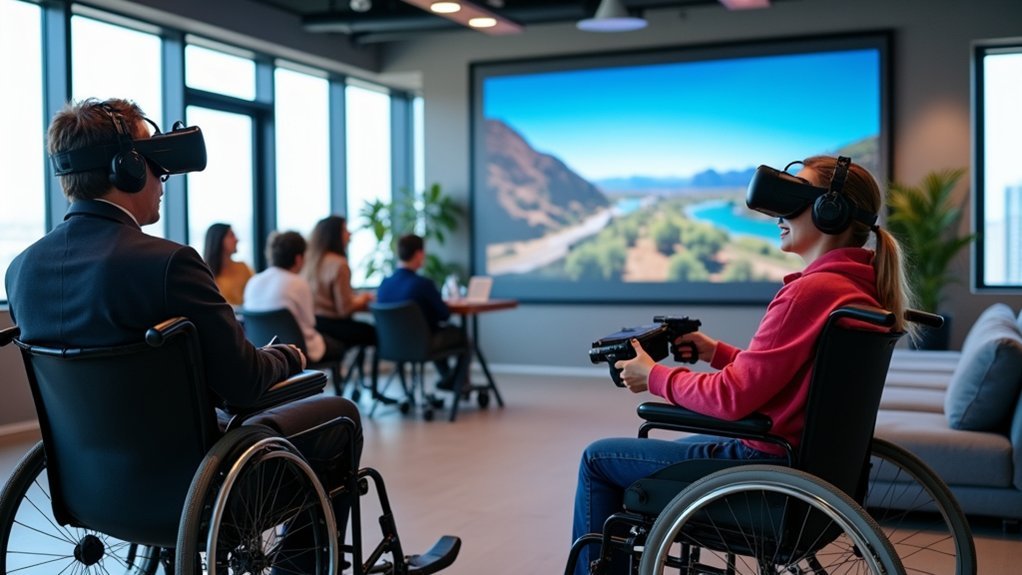
You can make VR accessible by implementing five key practices: multi-modal input systems that support voice commands, gestures, and adaptive controllers; customizable visual and audio elements with adjustable fonts, high contrast, and synchronized subtitles; motion sickness prevention through 90+ fps frame rates and smooth locomotion options; universal text interfaces with minimum 12-point fonts and clear button highlights; and haptic feedback alternatives that provide tactile navigation cues. These foundational strategies will reveal deeper accessibility solutions for your virtual experiences.
Implement Multi-Modal Input and Navigation Systems
When designing accessible VR experiences, you’ll need to implement multi-modal input systems that accommodate users with varying abilities and preferences.
These accessibility options should include voice commands, gesture recognition, and traditional controllers, ensuring users with disabilities can navigate virtual environments effectively.
You’ll want to integrate assistive technologies like adaptive controllers and switch devices for users with mobility impairments.
Allow users to customize input methods and remap controls based on their specific needs.
Incorporate haptic feedback and eye tracking to enhance navigation through tactile responses and visual cues.
Most importantly, provide clear feedback for all interactions through audio signals and visual indicators, helping users understand their actions and navigate confidently within your virtual environment.
Design Customizable Visual and Audio Elements
How can you guarantee your VR experience remains usable for people with diverse visual and auditory needs?
Design customizable visual elements with multiple font styles and sizes ranging from 50% to 200%, maintaining maximum 32 characters per row across 2 text rows for users with visual impairments.
Ascertain interactive elements meet minimum 22mm x 22mm hit targets with invisible hitslop for enhanced accessibility. Your user interface should feature visual targets at least 32 dp x 32 dp with clear button highlights.
For hearing impairments, provide customizable subtitles with speaker attribution synchronized to spatial audio. Incorporate haptic feedback alongside audio cues to supplement auditory content.
This inclusive design approach creates multi-sensory experiences that accommodate diverse user needs effectively.
Incorporate Comprehensive Motion Sickness Prevention
Although motion sickness affects up to 80% of VR users, you can dramatically reduce discomfort by implementing targeted prevention strategies that address the root causes of vestibular conflict.
Increase frame rates to at least 90 fps to synchronize head motion with immersive experiences, creating accessible environments for all users. Implement smooth locomotion combined with teleportation options, giving users multiple navigation choices that accommodate different comfort levels and visual impairments.
You’ll enhance user experience by incorporating fade effects during scene changes, preventing jarring shifts that trigger motion sickness.
Configure adjustable movement speed and sensitivity settings as essential VR accessibility features, empowering users to customize their comfort levels. Gradually expose users to VR environments, allowing them to build tolerance over time for extended, comfortable sessions.
Ensure Universal Text and Interface Accessibility
Beyond addressing motion-related discomfort, you must design text and interface elements that work for users across all visual and cognitive abilities.
Universal text accessibility starts with implementing legible text using minimum 12-point fonts with adjustable text size capabilities up to 200%. You’ll need high-contrast color schemes that create distinct separation between text and backgrounds for users with visual impairments.
Interface accessibility requires clear button highlights and visual indicators with touch input target size minimums of 22mm x 22mm.
Offer multiple font styles while avoiding complex typefaces that challenge users with cognitive impairments.
Don’t forget synchronized captions that align with audio content and remain positioned to avoid obstructing key information or user tasks within your virtual environment.
Integrate Haptic Feedback and Alternative Sensory Cues
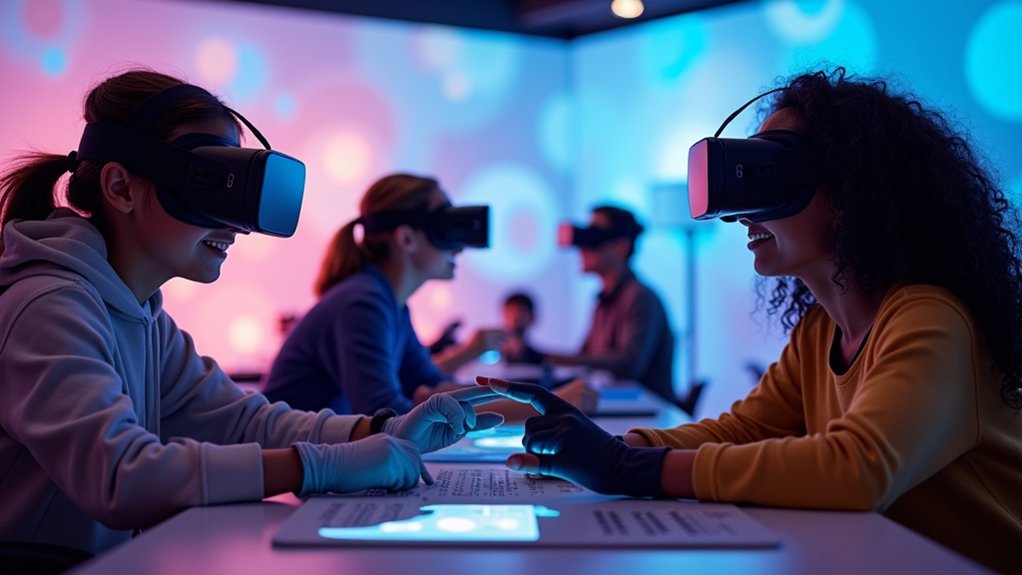
When designing VR experiences for users with diverse abilities, you’ll discover that haptic feedback creates essential tactile pathways that transform how people navigate virtual spaces.
You can enhance accessibility solutions by incorporating alternative sensory cues like vibrations and auditory signals that help users with visual impairments understand spatial relationships and object interactions.
For users with hearing impairments, you’ll want to implement multi-sensory experiences that combine tactile and visual elements.
Customizable settings allow each person to adjust feedback intensity according to their specific needs, making immersive experiences more comfortable and usable.
Haptic gloves and wearables provide realistic sensations of weight and texture, proving especially valuable for users with disabilities in therapeutic applications and training scenarios where tactile understanding enhances learning outcomes.
Frequently Asked Questions
How to Make VR Accessible?
You’ll make VR accessible by implementing voice commands, eye tracking, and gesture controls. Include haptic feedback, audio descriptions, closed captions, and customizable interfaces. Follow WCAG 2.2 guidelines to accommodate users with diverse physical abilities.
What Are the Accessibility Issues With VR?
You’ll face visual barriers without proper audio cues, audio barriers lacking captions, mobility challenges with motion controls, cognitive overload from complex interfaces, and limited accessible options due to high development costs.
How Do I Make My Design More Accessible?
You’ll improve accessibility by adding voice commands, gesture controls, and eye tracking. Use high-contrast colors, adjustable text sizes, synchronized captions, and haptic feedback while following WCAG 2.2 guidelines.
What Are the Features of VR Accessibility?
You’ll find adaptable interfaces for custom controls, alternative inputs like voice commands and eye-tracking, audio descriptions and captions, haptic feedback for spatial awareness, and WCAG compliance standards.



