

You’ll achieve VR comfort on a small face by first investing in a specialized head strap like the BOBOVR M3 Pro, which provides better weight distribution than standard straps. Next, loosen all straps before positioning, then adjust the top strap and tilt the headset with both hands for ideal placement. Finally, try wearing a baseball cap underneath for extra padding and a snugger fit. These targeted adjustments will eliminate pressure points and transform your sessions into genuinely comfortable experiences.
Choosing the Right Head Strap for Smaller Head Sizes
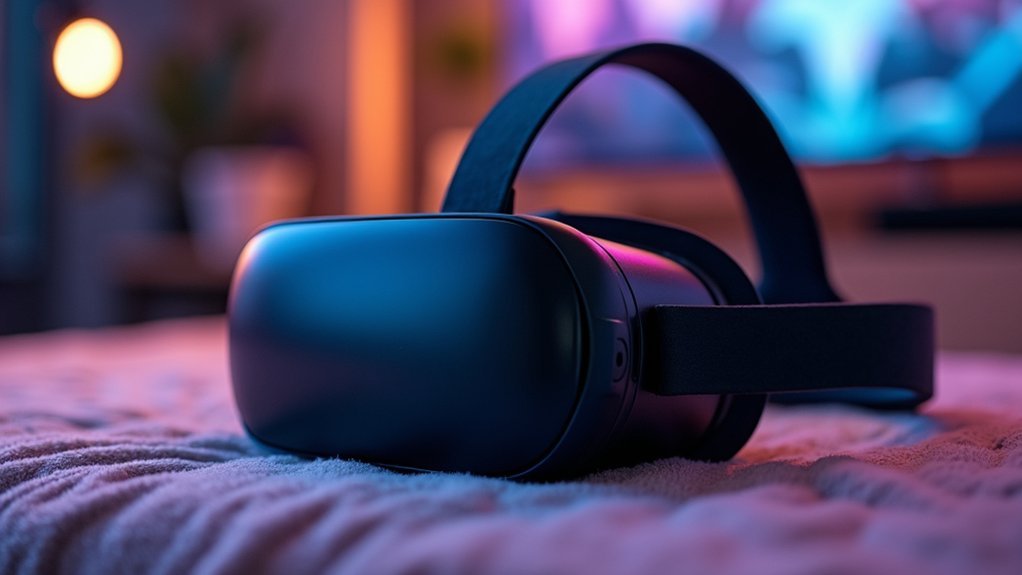
When you have a smaller head size—measuring around 21 inches in circumference or fitting a 6 3/4 hat size—standard VR head straps can create uncomfortable pressure points and poor weight distribution.
You’ll want to ditch those default straps for alternatives designed specifically for your needs.
The BOBOVR M3 Pro head strap stands out as a community-recommended solution that delivers enhanced support for small head sizes. This upgrade provides better weight distribution across your head, reducing strain during extended VR sessions.
The BOBOVR M3 Pro transforms uncomfortable VR sessions into extended comfort through superior weight distribution designed for smaller heads.
Look for adjustable head straps that offer multiple sizing options rather than one-size-fits-all designs. Proper adjustment guarantees your VR headset sits evenly without sliding or creating pressure spots.
A comfortable fit transforms your virtual reality experience from endurance test to genuine enjoyment.
Proper Headset Positioning and Adjustment Techniques
Even the best head strap won’t deliver comfort if you position your headset incorrectly.
Proper headset positioning requires systematic adjustment techniques to achieve the best fit for your smaller face.
Follow these essential steps:
- Loosen all straps before placing the headset on your face to prevent hair obstruction and initial discomfort.
- Adjust the top strap to redistribute weight away from your facial interface, preventing neck discomfort.
- Tilt the headset using both hands while setting the IPD wheel correctly for clear visuals.
- Fine-tune regularly to avoid excessive pressure on your forehead, cheeks, or nose.
The Elite Strap with Battery works exceptionally well for weight distribution.
If you wear glasses, guarantee proper clearance during positioning.
Experiment with different configurations until you find what eliminates pressure points completely.
Alternative Solutions and Third-Party Accessories
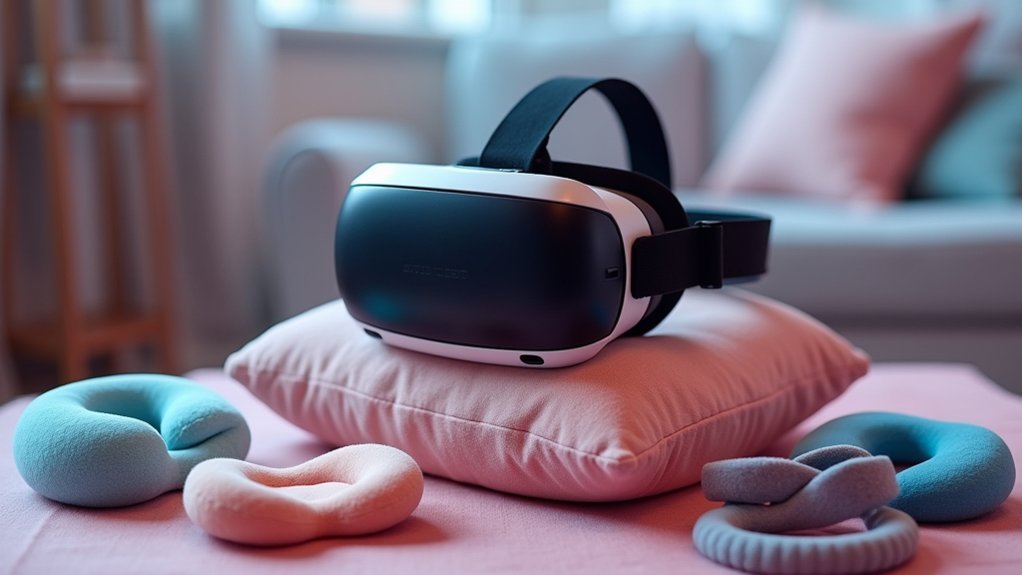
While standard headset adjustments help, third-party accessories often provide the most effective solutions for users with smaller faces.
The BOBOVR M3 Pro head strap stands out as a top recommendation, offering superior weight distribution and comfort specifically for smaller head sizes. You’ll find it considerably more comfortable than standard straps.
Consider the newer BOBOVR S3 model as another alternative solution, though user feedback remains limited.
Adjustable head straps from various manufacturers can provide better customization than factory options.
For immediate comfort improvements, try wearing a baseball cap or woolly hat underneath your headset. This simple trick adds essential padding and helps achieve a snugger fit.
Third-party accessories designed specifically for smaller heads will transform your VR experience dramatically.
Frequently Asked Questions
How Do I Stop My VR Headset From Hurting My Face?
Adjust your head strap for a snug fit without overtightening. Add memory foam padding or wear a baseball cap underneath. Consider third-party straps designed for smaller heads and clean the facial interface regularly.
How to Make Wearing a VR Headset More Comfortable?
You can improve VR comfort by adjusting the head strap properly, adding padding like a baseball cap, setting correct IPD, and considering third-party straps for better weight distribution.
How to Get More Comfortable in VR?
You’ll get more comfortable by adjusting your headset’s fit, taking regular breaks, starting with seated experiences, and ensuring proper room temperature. Clean your facial interface regularly and gradually increase session lengths.
Why Do People Look Small in VR?
You’ll notice people look small in VR because headsets use fixed avatar scaling that doesn’t match individual body proportions, while exaggerated virtual environments make everything appear disproportionately sized for enhanced immersion.




Leave a Reply